> ## Documentation Index
> Fetch the complete documentation index at: https://docs.haloxlabs.ai/llms.txt
> Use this file to discover all available pages before exploring further.
# GEO glossary: AI search visibility knowledge system
> The HaloX GEO glossary connects AI search concepts, measurement metrics, source and answer signals, and SEO technical foundations to product workflows.
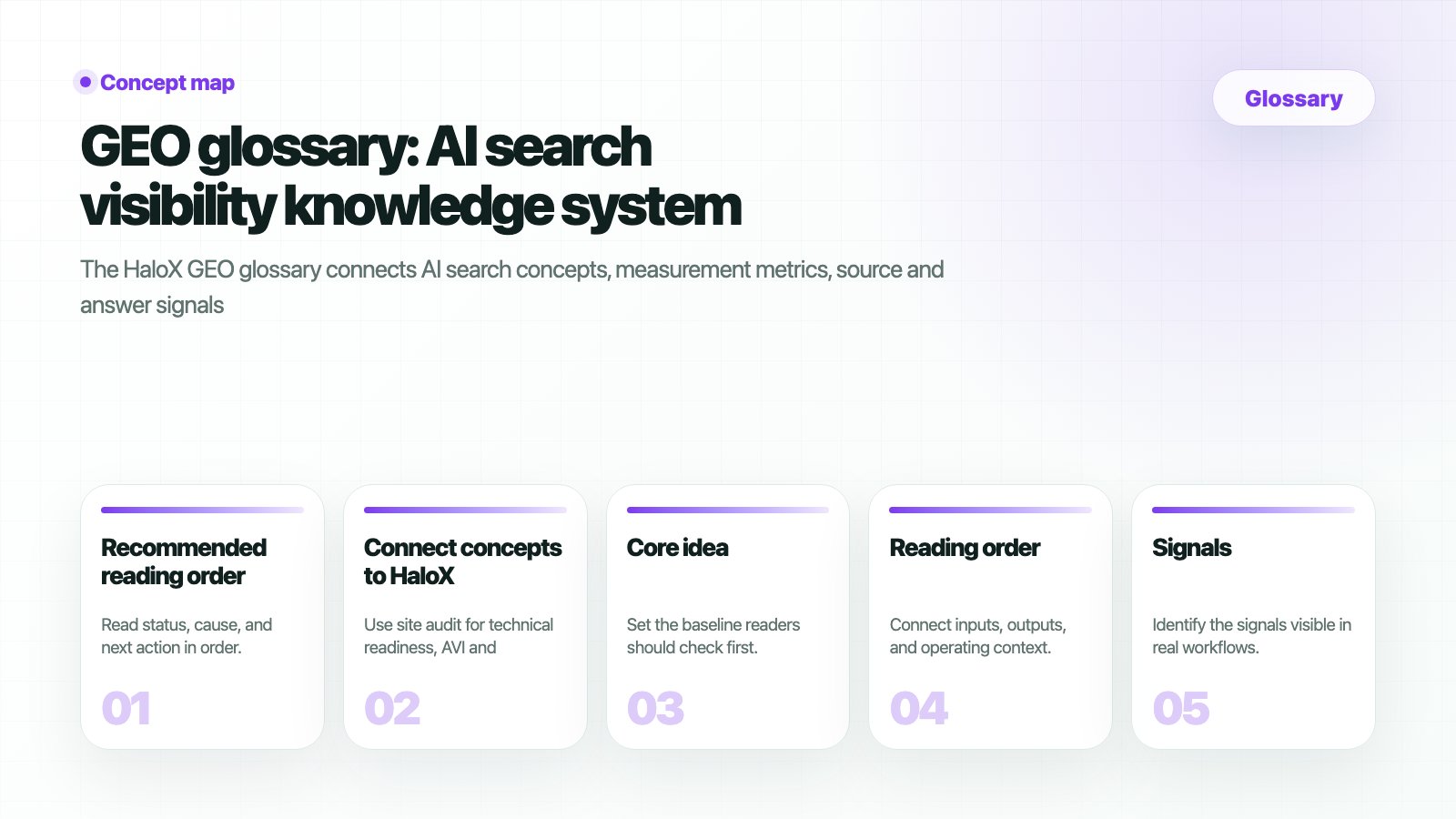 This glossary is a knowledge system for understanding how brands are found, mentioned, sourced, and cited in AI answers.
## Recommended reading order
Start with [GEO](/en/glossary/geo), [Generative Engine Optimization](/en/glossary/generative-engine-optimization), [AEO](/en/glossary/answer-engine-optimization), and [AI Overview optimization](/en/glossary/ai-overview-optimization).
Connect [AVI](/en/glossary/avi), [citation rate](/en/glossary/citation-rate), [source visibility](/en/glossary/source-visibility), and [Share of Voice](/en/glossary/share-of-voice).
Distinguish [brand mentions](/en/glossary/brand-mention), [sources](/en/glossary/source), [citations](/en/glossary/citation), and [question coverage](/en/glossary/question-coverage).
Review [schema markup](/en/glossary/schema-markup), [AI crawlers](/en/glossary/ai-crawler), [E-E-A-T](/en/glossary/eeat), and [PAA](/en/glossary/paa).
## When screen metrics feel unclear
If terms like `rank`, `search volume`, `trend`, `AI`, `PAA`, or `Citation Rate` are unclear in Keyword Status, Prompt Status, or Monitoring Dashboard, start with the [screen metrics glossary](/en/glossary/screen-metrics). It connects each metric to a plain meaning, basis, example reading, and the product screen where you can verify it.
Read rank, volume, trend, AI, PAA, Citation Rate, SOV, and gap types in one place.
See how KPI and table metrics appear in the actual screen context.
## Core concepts
The operating concept for becoming visible, sourced, and cited in AI answers.
How content and sources are optimized for generative answer systems.
Optimizing for answer inclusion rather than only search rankings.
Improving source readiness for Google AI summaries.
## Metrics, source signals, and technical foundations
A core indicator of brand visibility in AI answers.
How often answers include explicit citations.
How visible brand assets are as source candidates.
Whether the brand is present across important question markets.
Structured data that helps search and AI systems understand pages.
Crawlers used by AI search and answer systems.
## Connect concepts to HaloX
Use [site audit](/en/features/site-audit) for technical readiness, [AVI](/en/features/ai-visibility-index) and [citation tracking](/en/features/citation-tracking) for measurement, then [Strategy Map](/en/features/strategy-map) and [Content Factory](/en/features/content-factory) for execution.
## Extended SEO/GEO concepts
Optimize how large language models understand and reuse brand information.
Understand the units AI systems use to identify brands, products, people, places, and concepts.
Build a reference page for a core brand, product, person, or location.
Expose structured data in a format search and AI crawlers can parse.
Understand how rendering choices affect crawling and citation readiness.
Check whether AI and search crawlers can reach key pages.
Track AI answer changes across a stable prompt set.
Build authority through connected content groups.
This glossary is a knowledge system for understanding how brands are found, mentioned, sourced, and cited in AI answers.
## Recommended reading order
Start with [GEO](/en/glossary/geo), [Generative Engine Optimization](/en/glossary/generative-engine-optimization), [AEO](/en/glossary/answer-engine-optimization), and [AI Overview optimization](/en/glossary/ai-overview-optimization).
Connect [AVI](/en/glossary/avi), [citation rate](/en/glossary/citation-rate), [source visibility](/en/glossary/source-visibility), and [Share of Voice](/en/glossary/share-of-voice).
Distinguish [brand mentions](/en/glossary/brand-mention), [sources](/en/glossary/source), [citations](/en/glossary/citation), and [question coverage](/en/glossary/question-coverage).
Review [schema markup](/en/glossary/schema-markup), [AI crawlers](/en/glossary/ai-crawler), [E-E-A-T](/en/glossary/eeat), and [PAA](/en/glossary/paa).
## When screen metrics feel unclear
If terms like `rank`, `search volume`, `trend`, `AI`, `PAA`, or `Citation Rate` are unclear in Keyword Status, Prompt Status, or Monitoring Dashboard, start with the [screen metrics glossary](/en/glossary/screen-metrics). It connects each metric to a plain meaning, basis, example reading, and the product screen where you can verify it.
Read rank, volume, trend, AI, PAA, Citation Rate, SOV, and gap types in one place.
See how KPI and table metrics appear in the actual screen context.
## Core concepts
The operating concept for becoming visible, sourced, and cited in AI answers.
How content and sources are optimized for generative answer systems.
Optimizing for answer inclusion rather than only search rankings.
Improving source readiness for Google AI summaries.
## Metrics, source signals, and technical foundations
A core indicator of brand visibility in AI answers.
How often answers include explicit citations.
How visible brand assets are as source candidates.
Whether the brand is present across important question markets.
Structured data that helps search and AI systems understand pages.
Crawlers used by AI search and answer systems.
## Connect concepts to HaloX
Use [site audit](/en/features/site-audit) for technical readiness, [AVI](/en/features/ai-visibility-index) and [citation tracking](/en/features/citation-tracking) for measurement, then [Strategy Map](/en/features/strategy-map) and [Content Factory](/en/features/content-factory) for execution.
## Extended SEO/GEO concepts
Optimize how large language models understand and reuse brand information.
Understand the units AI systems use to identify brands, products, people, places, and concepts.
Build a reference page for a core brand, product, person, or location.
Expose structured data in a format search and AI crawlers can parse.
Understand how rendering choices affect crawling and citation readiness.
Check whether AI and search crawlers can reach key pages.
Track AI answer changes across a stable prompt set.
Build authority through connected content groups.