> ## Documentation Index
> Fetch the complete documentation index at: https://docs.haloxlabs.ai/llms.txt
> Use this file to discover all available pages before exploring further.
# PAA: turning Google related questions into content questions
> PAA (People Also Ask) is the related-question block in Google search results. This page explains where HaloX shows PAA, how it differs from search volume, and how to use it for content decisions.
 ## What is PAA?
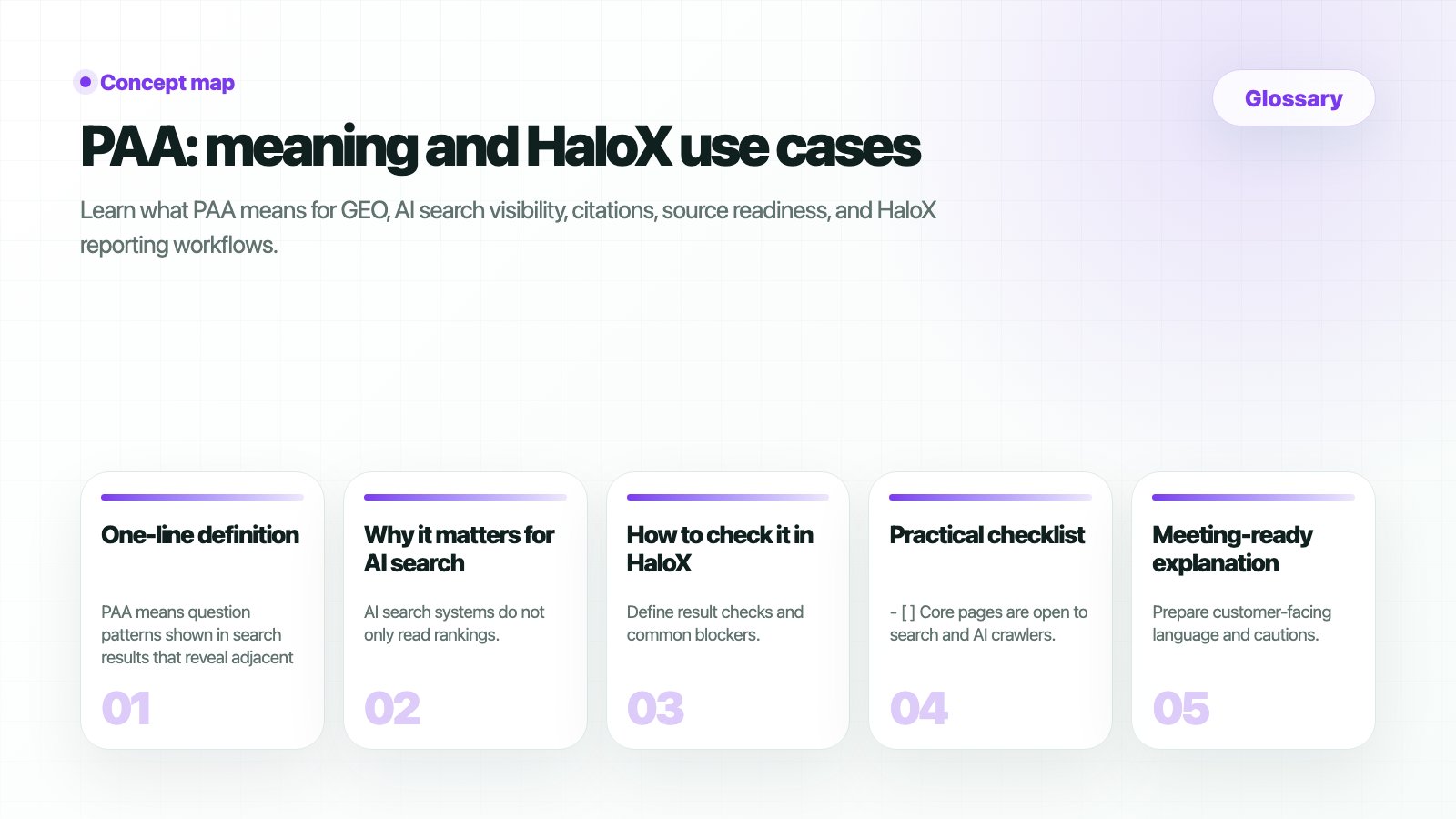
PAA(People Also Ask) is the “People Also Ask” question block in Google search results. When a user searches a keyword, Google may show related questions that other users ask around the same topic.
PAA is not a search-volume number. It shows question demand: what people are asking around the keyword.
| Search keyword | Example PAA question | How to read it |
| ---------------------- | ------------------------------------------- | ------------------------------------ |
| AI search optimization | What is AI search optimization? | Add a clear definition section. |
| AI search optimization | How do I get my brand mentioned in ChatGPT? | Add an execution guide or checklist. |
| AI search optimization | What is the difference between SEO and GEO? | Add a comparison table or explainer. |
## Where do you see it in HaloX?
HaloX collects PAA questions from a keyword's SERP snapshot and shows them in the keyword-analysis context. Reading search results, AI Overview, SERP features, and PAA together helps separate ranking problems, question-coverage problems, and AI-citation problems.
| Screen | Why PAA matters | Next action |
| ---------------- | ---------------------------------------------------- | ------------------------------------------------------------ |
| Keyword Status | See which keywords have related-question demand. | Choose the keyword to inspect. |
| Keyword Analysis | Read search results and PAA questions together. | Improve FAQ, headings, comparisons, and definition sections. |
| Content creation | Turn PAA questions into content-brief and FAQ items. | Add answer-ready paragraphs and supporting sources. |
## How is PAA different from search volume?
| Term | Meaning | How HaloX uses it |
| ---------------- | ------------------------------------- | ----------------------------------------------------------- |
| Search volume | How often a keyword is searched | Decides whether the keyword has enough demand. |
| PAA | Related questions around the keyword | Decides which questions the content should answer. |
| Related searches | Adjacent search terms shown by Google | Expands keyword and cluster candidates. |
| AI Overview | Google's AI-generated summary area | Checks whether your page is cited as an AI Overview source. |
Search volume answers “how much demand exists.” PAA answers “what people are asking.” You need both to choose the right content priority.
## How should you use PAA?
Do not flatten it into a keyword immediately. The question wording contains user intent, comparison targets, and buying stage.
Group questions as definition, comparison, how-to, pricing/adoption, or problem-solving. Different question types require different content structures.
Use definition paragraphs for definition questions, comparison tables for comparison questions, step-by-step guides for how-to questions, and FAQs or checklists for problem-solving questions.
## Decision examples
| PAA state | Interpretation | What to do |
| ------------------------------------------------------- | -------------------------------------------------------- | ------------------------------------------------------------------------- |
| Many PAA questions, low rank | Demand exists, but search visibility is weak. | Improve title, H2s, FAQ, and internal links. |
| High rank, but no section answers the PAA question | Search visibility exists, but question coverage is weak. | Add a question-style section with a direct answer. |
| PAA questions are comparison or buying-review questions | Users are in an evaluation stage. | Add competitor comparisons, adoption criteria, pricing context, or proof. |
| PAA overlaps with AI Overview topics | The page may become an AI Overview source candidate. | Add answer-ready paragraphs, supporting sources, and structured data. |
## Related docs
Check rank, AI, search volume, trend, and PAA by keyword.
Read search results and PAA questions together.
Turn PAA questions into FAQs and content briefs.
Check the rest of the HaloX screen metric definitions.
## What is PAA?
PAA(People Also Ask) is the “People Also Ask” question block in Google search results. When a user searches a keyword, Google may show related questions that other users ask around the same topic.
PAA is not a search-volume number. It shows question demand: what people are asking around the keyword.
| Search keyword | Example PAA question | How to read it |
| ---------------------- | ------------------------------------------- | ------------------------------------ |
| AI search optimization | What is AI search optimization? | Add a clear definition section. |
| AI search optimization | How do I get my brand mentioned in ChatGPT? | Add an execution guide or checklist. |
| AI search optimization | What is the difference between SEO and GEO? | Add a comparison table or explainer. |
## Where do you see it in HaloX?
HaloX collects PAA questions from a keyword's SERP snapshot and shows them in the keyword-analysis context. Reading search results, AI Overview, SERP features, and PAA together helps separate ranking problems, question-coverage problems, and AI-citation problems.
| Screen | Why PAA matters | Next action |
| ---------------- | ---------------------------------------------------- | ------------------------------------------------------------ |
| Keyword Status | See which keywords have related-question demand. | Choose the keyword to inspect. |
| Keyword Analysis | Read search results and PAA questions together. | Improve FAQ, headings, comparisons, and definition sections. |
| Content creation | Turn PAA questions into content-brief and FAQ items. | Add answer-ready paragraphs and supporting sources. |
## How is PAA different from search volume?
| Term | Meaning | How HaloX uses it |
| ---------------- | ------------------------------------- | ----------------------------------------------------------- |
| Search volume | How often a keyword is searched | Decides whether the keyword has enough demand. |
| PAA | Related questions around the keyword | Decides which questions the content should answer. |
| Related searches | Adjacent search terms shown by Google | Expands keyword and cluster candidates. |
| AI Overview | Google's AI-generated summary area | Checks whether your page is cited as an AI Overview source. |
Search volume answers “how much demand exists.” PAA answers “what people are asking.” You need both to choose the right content priority.
## How should you use PAA?
Do not flatten it into a keyword immediately. The question wording contains user intent, comparison targets, and buying stage.
Group questions as definition, comparison, how-to, pricing/adoption, or problem-solving. Different question types require different content structures.
Use definition paragraphs for definition questions, comparison tables for comparison questions, step-by-step guides for how-to questions, and FAQs or checklists for problem-solving questions.
## Decision examples
| PAA state | Interpretation | What to do |
| ------------------------------------------------------- | -------------------------------------------------------- | ------------------------------------------------------------------------- |
| Many PAA questions, low rank | Demand exists, but search visibility is weak. | Improve title, H2s, FAQ, and internal links. |
| High rank, but no section answers the PAA question | Search visibility exists, but question coverage is weak. | Add a question-style section with a direct answer. |
| PAA questions are comparison or buying-review questions | Users are in an evaluation stage. | Add competitor comparisons, adoption criteria, pricing context, or proof. |
| PAA overlaps with AI Overview topics | The page may become an AI Overview source candidate. | Add answer-ready paragraphs, supporting sources, and structured data. |
## Related docs
Check rank, AI, search volume, trend, and PAA by keyword.
Read search results and PAA questions together.
Turn PAA questions into FAQs and content briefs.
Check the rest of the HaloX screen metric definitions.