> ## Documentation Index
> Fetch the complete documentation index at: https://docs.haloxlabs.ai/llms.txt
> Use this file to discover all available pages before exploring further.
# SERP: search result screen and HaloX ranking criteria
> SERP is the Google search result screen. Learn how HaloX reads rank, Top 10, AIO, PAA, and brand/competitor domains.
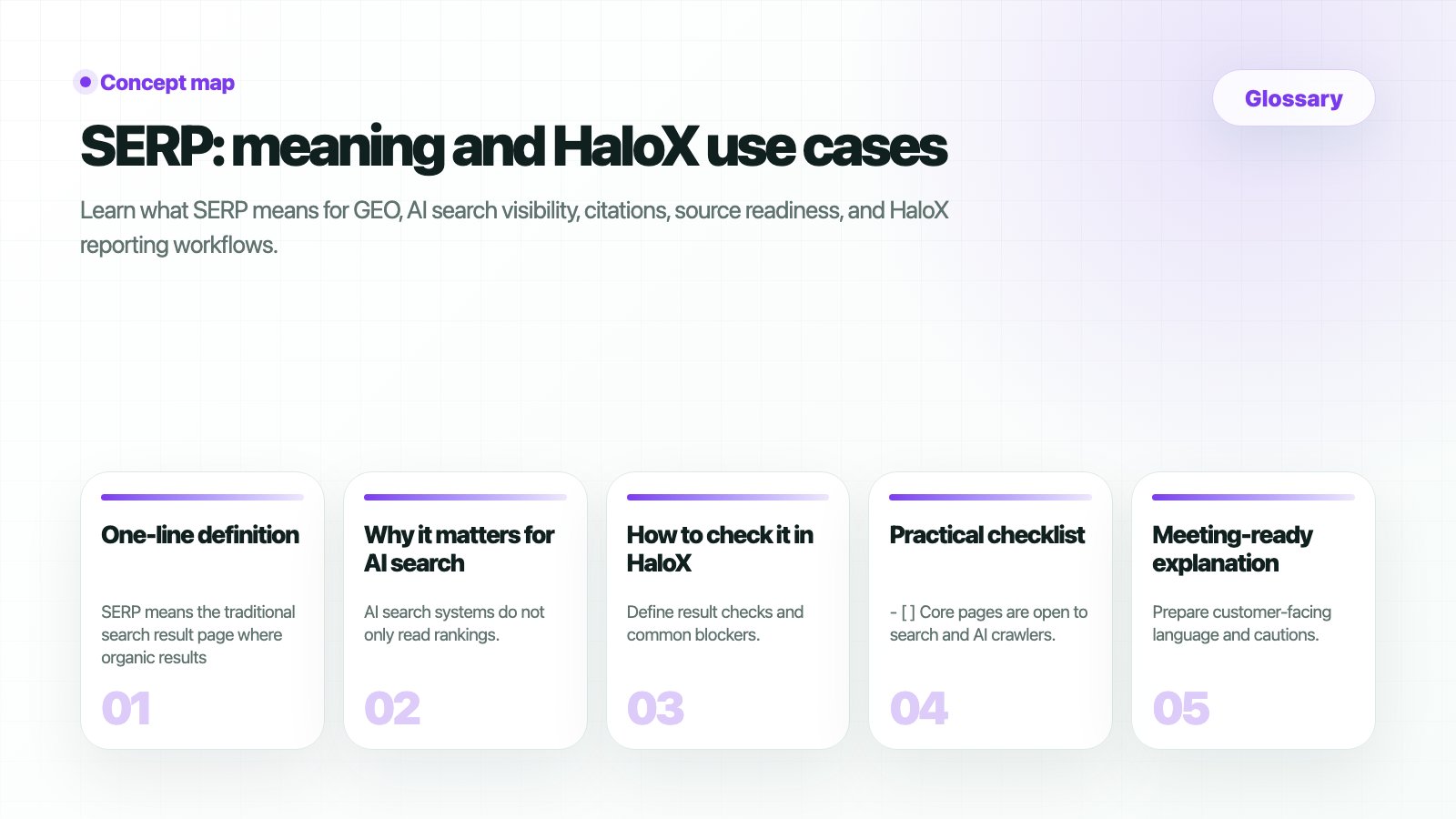 ## What is SERP?
SERP is the Google search results page for a keyword. In HaloX, each keyword SERP snapshot is evidence for rank, Top 10 visibility, AI Overview, PAA, and brand or competitor domain detection.
## Metrics from a SERP snapshot
| Metric | Meaning | Basis |
| ------------- | ------------------------------------------------------- | ------------------------------------------------------------------- |
| Rank | Where your page appears in search results | Lower is better; top 10 is usually first-page range. |
| Top 10 | Keywords where your domain ranks in the top 10 | Counts keywords with best rank 10 or lower. |
| SERP features | Special search-result areas | AI Overview, PAA, featured snippets, local, shopping, and more. |
| AIO | Whether Google AI Overview appears and cites your brand | Read detection, brand citation, and competitor citation separately. |
| PAA | People Also Ask questions | Question demand, not search volume. |
## Related docs
Check M/S/C status by question.
Compare signals by prompt set and engine.
Review actual source domains and URLs.
Review all product metric definitions.
## What is SERP?
SERP is the Google search results page for a keyword. In HaloX, each keyword SERP snapshot is evidence for rank, Top 10 visibility, AI Overview, PAA, and brand or competitor domain detection.
## Metrics from a SERP snapshot
| Metric | Meaning | Basis |
| ------------- | ------------------------------------------------------- | ------------------------------------------------------------------- |
| Rank | Where your page appears in search results | Lower is better; top 10 is usually first-page range. |
| Top 10 | Keywords where your domain ranks in the top 10 | Counts keywords with best rank 10 or lower. |
| SERP features | Special search-result areas | AI Overview, PAA, featured snippets, local, shopping, and more. |
| AIO | Whether Google AI Overview appears and cites your brand | Read detection, brand citation, and competitor citation separately. |
| PAA | People Also Ask questions | Question demand, not search volume. |
## Related docs
Check M/S/C status by question.
Compare signals by prompt set and engine.
Review actual source domains and URLs.
Review all product metric definitions.