> ## Documentation Index
> Fetch the complete documentation index at: https://docs.haloxlabs.ai/llms.txt
> Use this file to discover all available pages before exploring further.
# AI search optimization checklist
> Run the HaloX operating loop from Site Audit to Prompt Analysis, Strategy Map, Content Production, Weekly Reports, and Exports for AI search optimization.
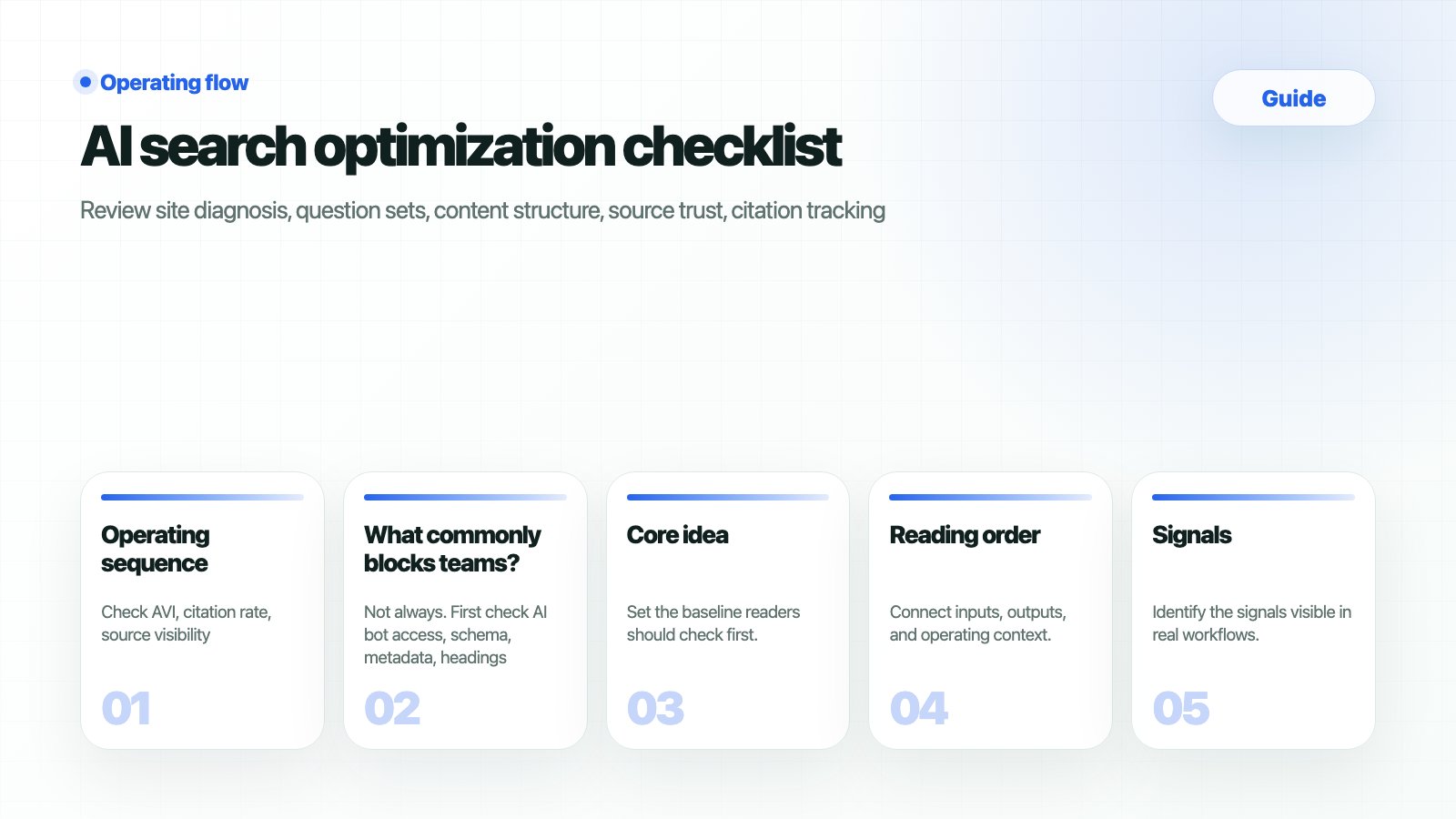 AI search optimization is the loop of diagnosis, measurement, strategy, execution, and reporting. This checklist follows the HaloX Pro sidebar so teams can see what is missing.
## What should you prepare
| Input | Where to open it in HaloX | Ready state |
| ------------------ | ---------------------------------- | ------------------------------------------------------------------------- |
| Site state | Site Audit | Access, metadata, and schema issues are visible. |
| Question baseline | Prompt Status | Brand
AI search optimization is the loop of diagnosis, measurement, strategy, execution, and reporting. This checklist follows the HaloX Pro sidebar so teams can see what is missing.
## What should you prepare
| Input | Where to open it in HaloX | Ready state |
| ------------------ | ---------------------------------- | ------------------------------------------------------------------------- |
| Site state | Site Audit | Access, metadata, and schema issues are visible. |
| Question baseline | Prompt Status | Brand
non-brand
comparison
and buying questions are split. |
| Answer analysis | Prompt Analysis, Citation Tracking | Brand mentions and citation evidence are reviewed. |
| Execution brief | Content Production | Pages and evidence URLs are assigned. |
| Reporting baseline | Weekly Reports, Exports | Meeting assets can be produced. |
## When should you use this guide?
| Situation | Signal to inspect | Decision |
| ------------------------------- | -------------------------------------- | ------------------------------------------------------------------- |
| Before operations start | The team is unsure where to begin | Create a baseline in sidebar order. |
| Scores exist but actions do not | AVI/citation rate is read in isolation | Split into site
question
source
and content actions. |
| Team collaboration is needed | Each owner reads a different screen | Assign menu-level responsibilities. |
| Before client reporting | Evidence and next actions are weak | Use reports and exports to package proof. |
## Workflow
Check AI bot access, schema, titles, meta, and page status first.
Group questions by intent so AVI movement has an explainable cause.
Record brand mention, competitors, and citation URLs together.
Choose whether each gap becomes content, PR, technical work, or comparison content.
Move execution into briefs and package results for meetings.
## How do you verify the result?
| HaloX surface | Value to read | Next action |
| ------------------ | ------------------------------- | -------------------------------- |
| Site Audit | Technical and page issues | Assign engineering or SEO work. |
| Prompt Analysis | Answers, competitors, citations | Move priorities to Strategy Map. |
| Content Production | Brief and evidence URLs | Start writing or updates. |
| Weekly Reports | Change and next actions | Share in meetings. |
## Operating checklist
| Loop | HaloX menu | Completion check | Output |
| ---------- | -------------------------------- | ----------------------------------------- | ----------------------- |
| Diagnose | Site Audit | Access and structure issues found | Issue list |
| Measure | Prompt Status/Analysis | Question sets and answer signals reviewed | Question analysis table |
| Strategize | Strategy Map | Competitor/source/content priority set | Execution priority |
| Execute | Content Production/Knowledge Hub | Evidence URLs and briefs created | Draft or update |
| Report | Weekly Reports/Exports | Change and next action packaged | Meeting asset |
## What commonly blocks teams
No. GSC and GA4 describe search traffic and user behavior, while HaloX AVI, citation rate, and source visibility describe how the brand and sources appear in AI answers. They support the same operating decision but use different measurement units.
Keep baseline questions, but add separate sets when products, competitors, or buyer questions change. Do not overwrite the baseline; split the comparison axis so weekly reports can explain the cause of movement.
Move evidence into Weekly Report and Exports, and convert actions into Content Production briefs or Site Audit issues. In meetings, report the question group, source gap, and next action together, with the score.
## Related docs
Read the core AI visibility score.
Inspect answers and citations by question.
Turn findings into briefs.
Package changes for meetings.