> ## Documentation Index
> Fetch the complete documentation index at: https://docs.haloxlabs.ai/llms.txt
> Use this file to discover all available pages before exploring further.
# What to check when your brand is missing from AI search
> Diagnose why a brand is missing from ChatGPT, Perplexity, AI Overview, and other AI search answers, then turn HaloX signals into action.
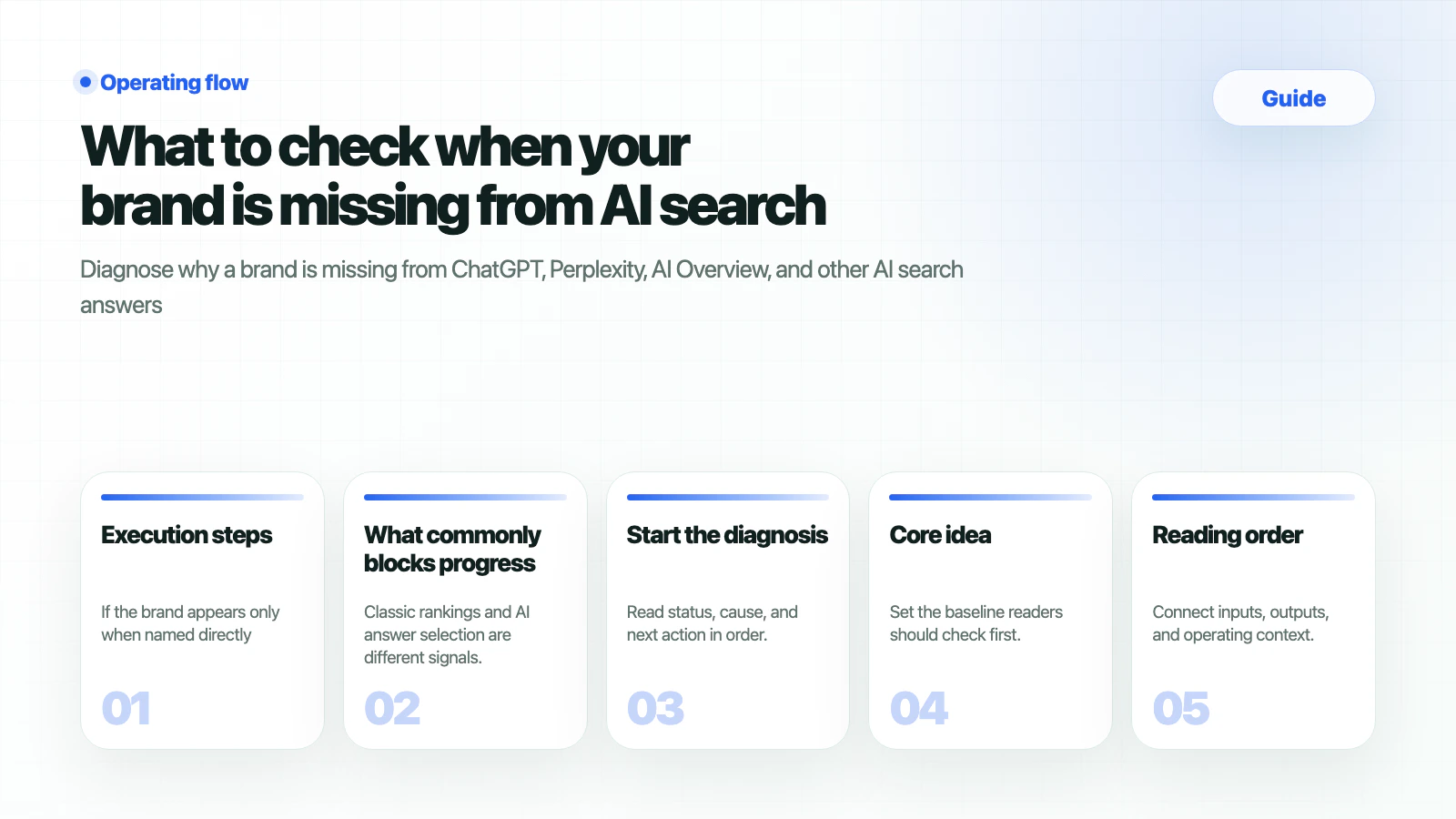 A brand can be missing from AI search for several reasons: AI systems may not read the site, the entity may be unclear, official sources may be weak, or competitors may have stronger evidence for comparison and buying-review prompts.
Use this guide when searches like “my brand does not appear in AI search,” “brand missing from ChatGPT,” or “AI answer brand visibility” describe the problem.
## What should you prepare
| Input | Example | If missing |
| ------------------- | ------------------------------------------------------------ | ------------------------------------ |
| Brand variants | English name, local name, product name | Start with customer language. |
| Primary URLs | Homepage, product page, comparison page | Use the clearest landing page first. |
| Ten problem prompts | Recommendation
A brand can be missing from AI search for several reasons: AI systems may not read the site, the entity may be unclear, official sources may be weak, or competitors may have stronger evidence for comparison and buying-review prompts.
Use this guide when searches like “my brand does not appear in AI search,” “brand missing from ChatGPT,” or “AI answer brand visibility” describe the problem.
## What should you prepare
| Input | Example | If missing |
| ------------------- | ------------------------------------------------------------ | ------------------------------------ |
| Brand variants | English name, local name, product name | Start with customer language. |
| Primary URLs | Homepage, product page, comparison page | Use the clearest landing page first. |
| Ten problem prompts | Recommendation
alternative
comparison
pricing | Reuse sales or support questions. |
| Competitors | Direct competitors, consultants, SEO tools | Record names that appear in answers. |
## Execution steps
If the brand appears only when named directly, the issue is usually prompt coverage, source readiness, or entity strength rather than pure awareness.
Use [Site Audit](/en/features/site-audit) to review AI bot access, metadata, headings, schema, rendering, and error pages.
Use [Prompt Analysis](/en/features/prompt-analysis) for brand mentions and [Citation Tracking](/en/features/citation-tracking) for sources attached to the answer.
Use the [Content brief template](/en/guides/content-brief-template) to create definition, comparison, FAQ, and source-ready sections.
## How do you verify
| Signal | Good sign | Next action |
| ----------------- | ------------------------------------------------------------ | ------------------------------------ |
| AVI | AI Visibility Index improves for target prompt groups. | Split causes by prompt type. |
| Brand mention | The brand appears in ChatGPT, Gemini, or Perplexity answers. | Check accuracy and context. |
| Source visibility | Official or external assets become evidence candidates. | Strengthen weak sources. |
| Citation rate | Target URLs appear as citations. | Repeat the citation-ready structure. |
## What commonly blocks progress
Classic rankings and AI answer selection are different signals. AI systems also evaluate source trust, entity clarity, and answer-fit structure.
Treat this as non-branded prompt coverage and source readiness work. Build comparison, alternative, and buying-review content.
Start with pages AI can use to explain the brand: homepage, product overview, pricing, comparison, FAQ, and case-study pages.
## Start the diagnosis
Move the brand name, primary URL, competitors, and problem prompts from this guide into the HaloX app. Docs explain the decision criteria; the app shows the live scores, evidence, and report workflow.
Enter the primary URL and target prompts to create the first AI visibility baseline.
New teams should confirm the workspace, site diagnosis, and first report sentence.
Connect AI visibility diagnosis, ChatGPT brand mention checks, and Perplexity source checks to lead capture.
Choose the first 30-day operating scope for internal, agency, PR, B2B, or local-brand teams.
## Related docs
* [ChatGPT brand mention check](/en/guides/chatgpt-brand-mention-check)
* [Source trust checklist](/en/guides/source-trust-checklist)
* [AI search optimization checklist](/en/guides/ai-search-optimization-checklist)