> ## Documentation Index
> Fetch the complete documentation index at: https://docs.haloxlabs.ai/llms.txt
> Use this file to discover all available pages before exploring further.
# How to structure content that AI answers can cite
> Design citation-ready content with definitions, FAQs, comparison tables, evidence, schema, and entity hubs for AI search and GEO workflows.
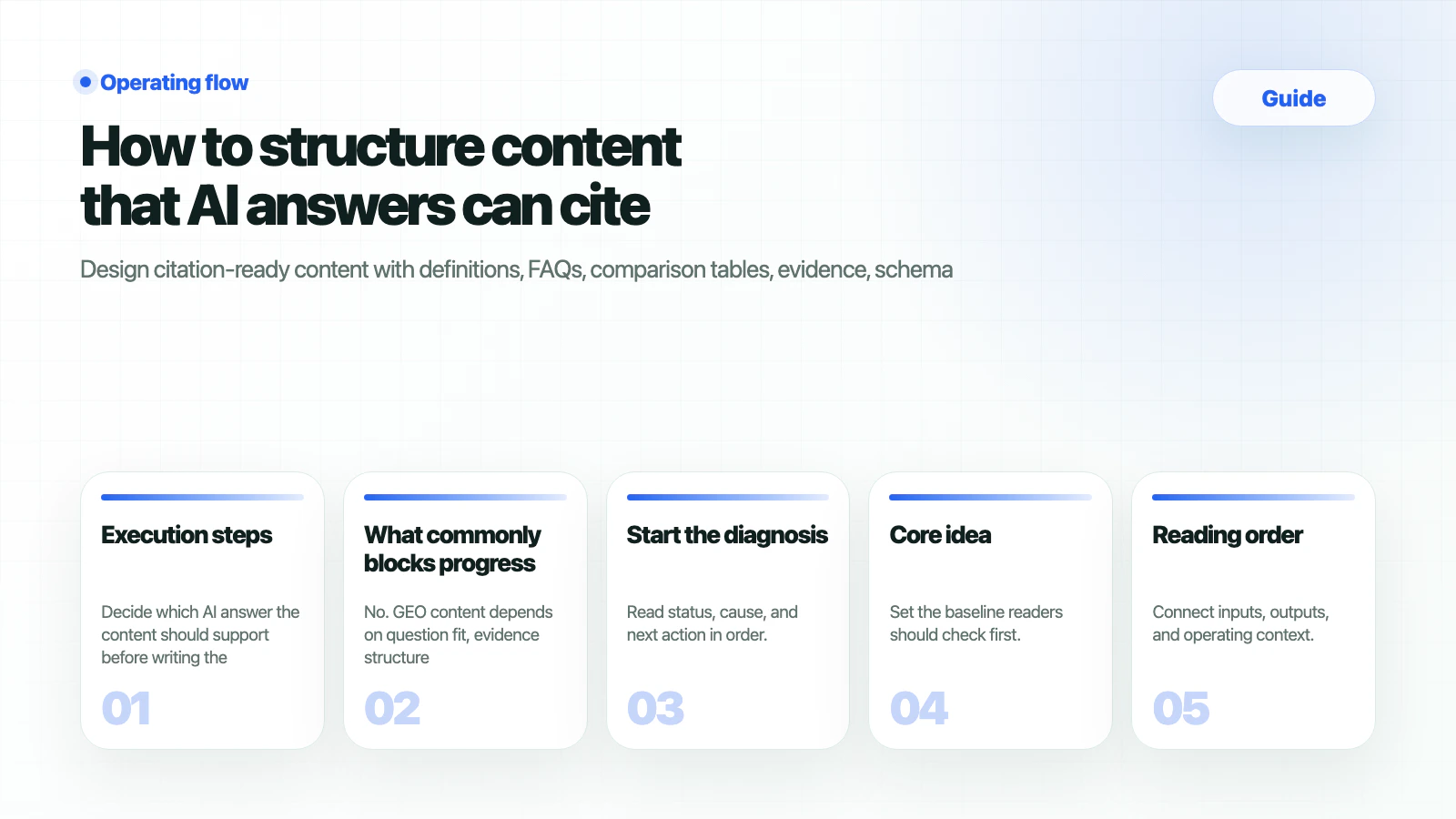 Content that AI answers can cite is usually structured before it is long. Clear definitions, comparison criteria, short answer blocks, FAQs, evidence links, update dates, schema, and internal links make a page easier to reuse as answer evidence.
Use this guide for intents such as “content structure for AI citations,” “GEO content writing,” “LLMO content structure,” and “FAQ writing for AI search.”
## What should you prepare
| Input | Why it matters |
| --------------- | ------------------------------------------------------------ |
| Target prompt | Defines the answer the page should support. |
| Core definition | Gives AI a reusable statement. |
| Evidence | Official docs
Content that AI answers can cite is usually structured before it is long. Clear definitions, comparison criteria, short answer blocks, FAQs, evidence links, update dates, schema, and internal links make a page easier to reuse as answer evidence.
Use this guide for intents such as “content structure for AI citations,” “GEO content writing,” “LLMO content structure,” and “FAQ writing for AI search.”
## What should you prepare
| Input | Why it matters |
| --------------- | ------------------------------------------------------------ |
| Target prompt | Defines the answer the page should support. |
| Core definition | Gives AI a reusable statement. |
| Evidence | Official docs
data
examples
external sources. |
| Internal links | Connects features, guides, and glossary concepts. |
## Execution steps
Decide which AI answer the content should support before writing the page.
Use one-paragraph definitions, comparison tables, checklists, FAQs, and step-by-step sections.
Add official sources, related docs, author/date signals, FAQ schema, Article schema, or Organization schema where appropriate.
Use [Citation Tracking](/en/features/citation-tracking), [Prompt Analysis](/en/features/prompt-analysis), and [Weekly Report](/en/features/weekly-report).
## How do you verify
| Structure | Question | Related concept |
| ---------------- | --------------------------------------- | --------------------------------------------------- |
| Definition | Can AI describe the entity accurately? | [Entity](/en/glossary/entity) |
| FAQ | Does the page answer follow-up prompts? | [AEO](/en/glossary/answer-engine-optimization) |
| Comparison table | Can it support alternative prompts? | [Non-brand Keyword](/en/glossary/non-brand-keyword) |
| Evidence | Can it become a citation? | [LLM Citation](/en/glossary/llm-citation) |
## What commonly blocks progress
No. GEO content depends on question fit, evidence structure, source trust, and internal linking more than raw quantity.
Yes. Prioritize buying, comparison, problem, and implementation questions instead of repeating variants.
No. Schema supports understanding, but visible content must still answer the question clearly.
## Start the diagnosis
Move the brand name, primary URL, competitors, and problem prompts from this guide into the HaloX app. Docs explain the decision criteria; the app shows the live scores, evidence, and report workflow.
Enter the primary URL and target prompts to create the first AI visibility baseline.
New teams should confirm the workspace, site diagnosis, and first report sentence.
Connect AI visibility diagnosis, ChatGPT brand mention checks, and Perplexity source checks to lead capture.
Choose the first 30-day operating scope for internal, agency, PR, B2B, or local-brand teams.
## Related docs
* [Content brief template](/en/guides/content-brief-template)
* [Content Grounding](/en/glossary/content-grounding)
* [Schema Markup](/en/glossary/schema-markup)