> ## Documentation Index
> Fetch the complete documentation index at: https://docs.haloxlabs.ai/llms.txt
> Use this file to discover all available pages before exploring further.
# Data readiness checklist: prepare GSC, GA4, and question sets
> Prepare representative URLs, GSC/GA4 connections, Pro question sets, competitors, and source candidates in HaloX before interpreting AI visibility data.
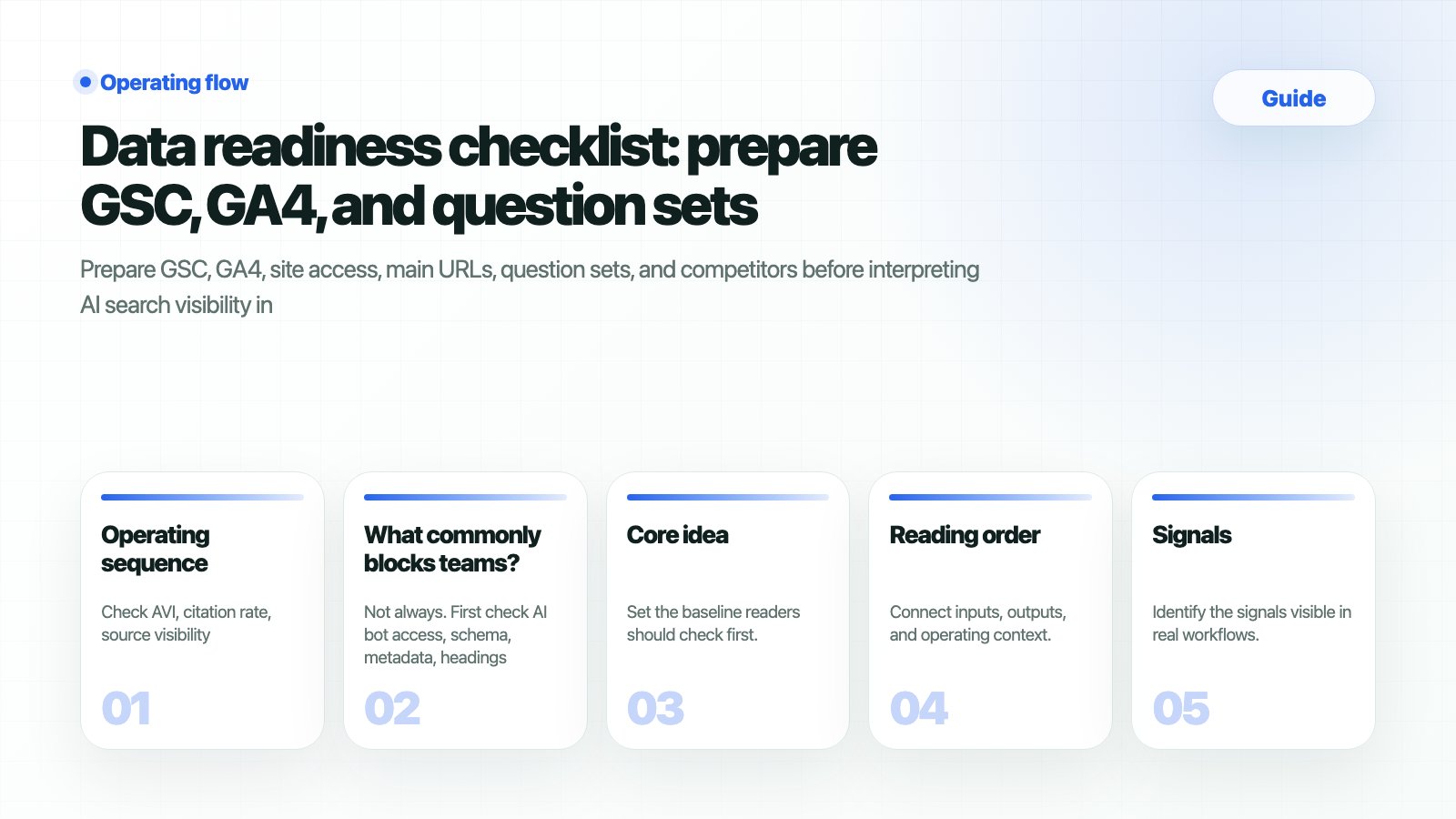 HaloX analysis is not a “paste one URL and wait” workflow. Align **representative URLs, monitoring data, question sets, source candidates, and owners** first so Dashboard, Prompt Analysis, and Weekly Reports use the same baseline.
## What should you prepare
| Input | Where to open it in HaloX | Ready state |
| ------------------- | --------------------------------- | ----------------------------------------------------------------------------------- |
| Representative URLs | Site Audit, Monitoring Dashboard | Homepage
HaloX analysis is not a “paste one URL and wait” workflow. Align **representative URLs, monitoring data, question sets, source candidates, and owners** first so Dashboard, Prompt Analysis, and Weekly Reports use the same baseline.
## What should you prepare
| Input | Where to open it in HaloX | Ready state |
| ------------------- | --------------------------------- | ----------------------------------------------------------------------------------- |
| Representative URLs | Site Audit, Monitoring Dashboard | Homepage
product
blog
and help URLs are separated. |
| GSC/GA4 access | Monitoring Dashboard | Property connection and recent data period are confirmed. |
| Question sets | Click Pro → Prompt Status | Brand
non-brand
comparison
and buying questions are split into sets. |
| Competitors | Prompt Analysis, Strategy Map | Three to five comparison brands are fixed. |
| Source candidates | Knowledge Hub, Content Production | Official docs
FAQs
newsroom
and external reviews are separated. |
## When should you use this guide?
| Situation | Signal to inspect | Decision |
| ------------------------------------- | ------------------------------------------------------------ | ---------------------------------------------------------------------- |
| New workspace setup | Dashboard scores exist but the question baseline is unclear | Fix question sets and URL scope before measuring. |
| First report after GSC/GA4 connection | Monitoring data is sparse or the wrong property is connected | Separate search/behavior data from AI answer data. |
| Competitor comparison request | Competitors repeat in Prompt Analysis | Manage comparison questions and official source candidates separately. |
| Content production starts | Briefs lack evidence URLs | Use Knowledge Hub and Site Audit as inputs. |
## Workflow
In Lite mode the sidebar shows Dashboard, Strategy Map, Content Production, and Site Audit. Use it to read AVI, citation rate, web health, and report readiness quickly.
Click the Pro button in the sidebar and confirm Keyword Status, Keyword Analysis, Prompt Status, and Prompt Analysis are visible. Prepare question sets from this Pro surface.
Open /app/monitoring and check properties, recent periods, query signals, and page signals. If data is empty, fix connection and permissions before reporting.
Separate brand, comparison, buying, and problem-led questions. Record each set name and purpose so teams do not measure different things.
Record baseline questions, URLs, competitors, and source candidates in Weekly Report. Future movement should be explained against that baseline.
## How do you verify the result?
| HaloX surface | Value to read | Next action |
| -------------------- | --------------------------------------------- | ----------------------------------------- |
| Monitoring Dashboard | GSC/GA4 connection, query and page data | Return to the connection guide if empty. |
| Prompt Status | Question set count and recent runs | Split mixed question groups. |
| Prompt Analysis | Brand mentions, competitors, citation sources | Move gaps into Content Production briefs. |
| Weekly Report | Baseline questions and key changes | Prepare meeting-ready language. |
## Copyable readiness table
| Area | Value to record | Example | HaloX surface |
| ------------------ | --------------------- | --------------------------------------------------- | --------------------------------- |
| Representative URL | Target URL | `https://example.com`, `/blog`, `/docs` | Site Audit |
| Data property | GSC/GA4 property name | `example.com` Search Console property | Monitoring Dashboard |
| Question set | Set name and purpose | Brand recommendation, alternatives, buying review | Prompt Status |
| Competitors | Brands to compare | Competitor A, B, C | Prompt Analysis, Strategy Map |
| Evidence URL | Page you want cited | Product docs
FAQ
case study
newsroom | Knowledge Hub, Content Production |
## What commonly blocks teams
No. GSC and GA4 describe search traffic and user behavior, while HaloX AVI, citation rate, and source visibility describe how the brand and sources appear in AI answers. They support the same operating decision but use different measurement units.
Keep baseline questions, but add separate sets when products, competitors, or buyer questions change. Do not overwrite the baseline; split the comparison axis so weekly reports can explain the cause of movement.
Move evidence into Weekly Report and Exports, and convert actions into Content Production briefs or Site Audit issues. In meetings, report the question group, source gap, and next action together, with the score.
## Related docs
Align data connections first.
Review question sets and run status.
Read query and page signals.
Move the baseline into a report.