> ## Documentation Index
> Fetch the complete documentation index at: https://docs.haloxlabs.ai/llms.txt
> Use this file to discover all available pages before exploring further.
# Free AI visibility diagnosis keyword strategy
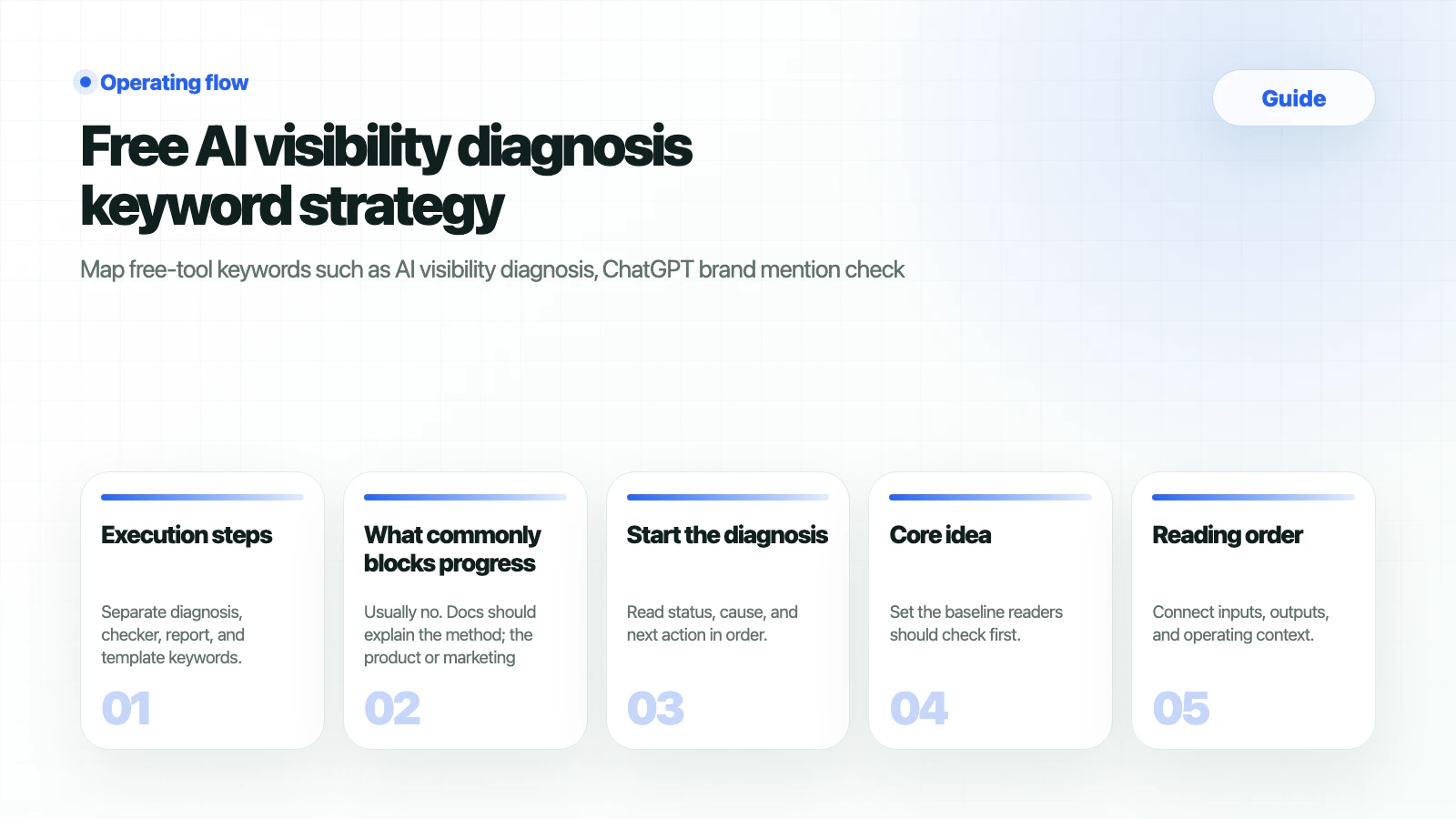
> Map free-tool keywords such as AI visibility diagnosis, ChatGPT brand mention check, and Perplexity source check into HaloX lead assets.
 Free diagnosis keywords usually have stronger conversion intent than glossary queries. Users searching for “AI visibility diagnosis,” “ChatGPT brand mention check,” “Perplexity source check,” or “GEO score check” want an immediate result.
This guide maps those free-tool keywords into HaloX lead assets, checklists, sample reports, and demo paths.
## What should you prepare
| Input | Why it matters |
| ----------------- | ----------------------------------------------------------------- |
| Diagnostic fields | Brand
Free diagnosis keywords usually have stronger conversion intent than glossary queries. Users searching for “AI visibility diagnosis,” “ChatGPT brand mention check,” “Perplexity source check,” or “GEO score check” want an immediate result.
This guide maps those free-tool keywords into HaloX lead assets, checklists, sample reports, and demo paths.
## What should you prepare
| Input | Why it matters |
| ----------------- | ----------------------------------------------------------------- |
| Diagnostic fields | Brand
URL
competitors
target prompts. |
| Result metrics | AVI
brand mention
citation rate
source visibility. |
| Report format | Separates free insight from paid analysis. |
| CTA path | Demo, consultation, or workspace creation. |
## Execution steps
Separate diagnosis, checker, report, and template keywords.
Docs should explain criteria and methods. Free-tool landing pages should show inputs, sample outputs, and CTA paths.
Even free outputs should use AVI, citation rate, source visibility, and question coverage language.
Connect free results to [GEO report example](/en/guides/geo-report-example), [Client proposal template](/en/guides/client-proposal-template), and product demos.
## How do you verify
| Keyword type | Examples | Asset |
| ------------ | ---------------------------------------------------- | ---------------------------- |
| Diagnosis | AI visibility diagnosis, GEO score check | Free diagnostic landing page |
| Checker | ChatGPT brand mention check, Perplexity source check | Checker or mini-report |
| Report | AI Visibility report, free AI search brand report | Sample report |
| Template | Free GEO checklist, LLMO audit | Download or email capture |
## What commonly blocks progress
Usually no. Docs should explain the method; the product or marketing site should handle input and result UX.
Show status and direction. Keep detailed root cause, prioritization, and execution briefs for HaloX workspace or consultation paths.
Start with ChatGPT brand mention check, AI visibility diagnosis, and Perplexity source check.
## Start the diagnosis
Move the brand name, primary URL, competitors, and problem prompts from this guide into the HaloX app. Docs explain the decision criteria; the app shows the live scores, evidence, and report workflow.
Enter the primary URL and target prompts to create the first AI visibility baseline.
New teams should confirm the workspace, site diagnosis, and first report sentence.
Connect AI visibility diagnosis, ChatGPT brand mention checks, and Perplexity source checks to lead capture.
Choose the first 30-day operating scope for internal, agency, PR, B2B, or local-brand teams.
## Related docs
* [AI search optimization tools](/en/guides/ai-search-optimization-tools)
* [AI search optimization checklist](/en/guides/ai-search-optimization-checklist)
* [GEO report example](/en/guides/geo-report-example)