> ## Documentation Index
> Fetch the complete documentation index at: https://docs.haloxlabs.ai/llms.txt
> Use this file to discover all available pages before exploring further.
# HaloX quickstart: first 30-minute operating checklist
> Use HaloX in the first 30 minutes to create a site baseline, read key scores, choose AI search questions, and prepare the first report direction.
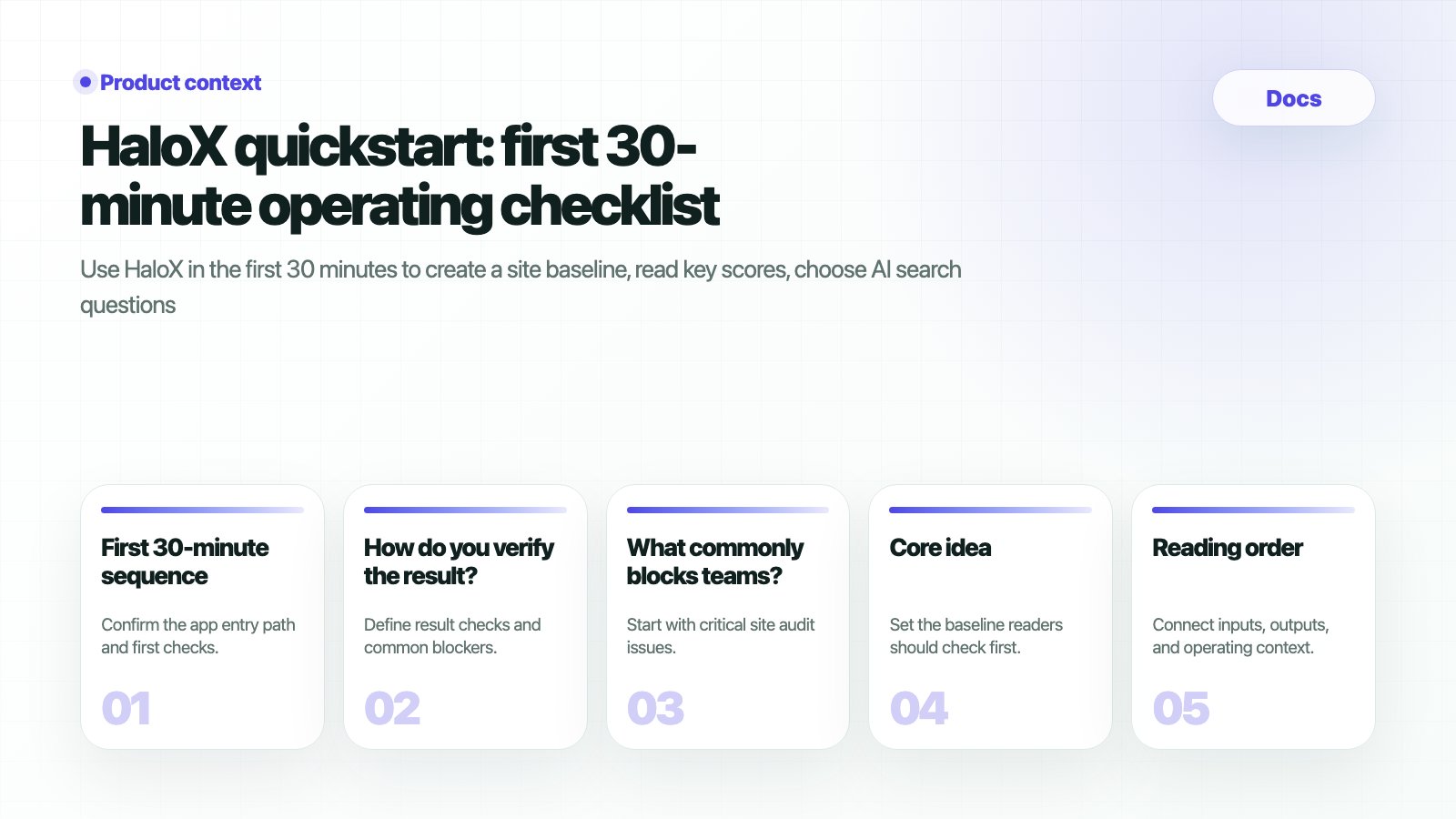 This guide helps a new HaloX team decide **what to check and what to record in the first 30 minutes**. The goal is not to learn every feature. The goal is to create the first operating baseline.
## What should you prepare
| Item | Example | If it is missing |
| --------------------------------- | -------------------------------------------------- | ------------------------------------------- |
| Main site URL | `https://haloxlabs.ai` | Start with the most important landing page. |
| Product or service description | “AI search visibility operating platform” | Use the current intro page as the baseline. |
| Five key questions | “Best ChatGPT SEO tool”, “GEO platform comparison” | Use sales or customer meeting questions. |
| Three competitors or alternatives | SEO tools, content tools, consulting alternatives | List what customers compare you against. |
| GSC or GA4 access | Search Console, Analytics | Connect later and start with site audit. |
## First 30-minute sequence
The app entry is `https://haloxlabs.ai/app`. Confirm the site URL, brand name, and first diagnosis target.
Check AVI, SEO, web health, citation rate, and source visibility. Focus on the reasons behind the signals alongside the number.
Check AI bot access, metadata, headings, schema, performance, and error pages. Separate technical blockers from content gaps.
Separate brand, non-brand, comparison, and buying questions. Good questions make AVI and citation rate meaningful.
Summarize where the brand appears, where it is missing, and which sources or pages need to be strengthened next.
## How do you verify the result?
| Output | Verification question | Next doc |
| -------------------- | --------------------------------------------------------- | ------------------------------------------------------------- |
| Site baseline | Can AI systems access and understand the site? | [First site audit](/en/guides/first-site-audit) |
| Score interpretation | Can you explain why AVI or citation rate is low? | [Reading scores](/en/guides/reading-scores) |
| Question set | Are brand, non-brand, and comparison questions separated? | [Fan-out search patterns](/en/guides/fan-out-search-patterns) |
| First action | Is next week's page or content task clear? | [Content brief template](/en/guides/content-brief-template) |
If the problem is already clear, move directly to the problem-led guides after this result check. Use [Brand missing from AI search](/en/guides/brand-missing-in-ai-search) for absent brands, [Competitor-only AI answers](/en/guides/competitor-only-ai-answers) when competitors dominate, and [How to appear as a source in AI answers](/en/guides/ai-answer-citation-readiness) when citation readiness is weak.
## What commonly blocks teams?
Start with important site audit issues. If AI bot access, schema, metadata, or headings are blocked, fix the foundation before increasing content volume.
Start with real customer questions. Prioritize recommendation, comparison, pricing, alternative, and local decision questions.
Yes. Start with site diagnosis and question sets, then prepare access with the data readiness checklist.
## Next steps
Enter the primary URL and target prompts to create the first baseline.
Choose a starting plan by team type.
Connect existing search and traffic data.
Review the first reporting language.
Separate why the brand is missing from AI search answers.
Design ChatGPT brand mention checks and AI visibility diagnosis as conversion paths.
This guide helps a new HaloX team decide **what to check and what to record in the first 30 minutes**. The goal is not to learn every feature. The goal is to create the first operating baseline.
## What should you prepare
| Item | Example | If it is missing |
| --------------------------------- | -------------------------------------------------- | ------------------------------------------- |
| Main site URL | `https://haloxlabs.ai` | Start with the most important landing page. |
| Product or service description | “AI search visibility operating platform” | Use the current intro page as the baseline. |
| Five key questions | “Best ChatGPT SEO tool”, “GEO platform comparison” | Use sales or customer meeting questions. |
| Three competitors or alternatives | SEO tools, content tools, consulting alternatives | List what customers compare you against. |
| GSC or GA4 access | Search Console, Analytics | Connect later and start with site audit. |
## First 30-minute sequence
The app entry is `https://haloxlabs.ai/app`. Confirm the site URL, brand name, and first diagnosis target.
Check AVI, SEO, web health, citation rate, and source visibility. Focus on the reasons behind the signals alongside the number.
Check AI bot access, metadata, headings, schema, performance, and error pages. Separate technical blockers from content gaps.
Separate brand, non-brand, comparison, and buying questions. Good questions make AVI and citation rate meaningful.
Summarize where the brand appears, where it is missing, and which sources or pages need to be strengthened next.
## How do you verify the result?
| Output | Verification question | Next doc |
| -------------------- | --------------------------------------------------------- | ------------------------------------------------------------- |
| Site baseline | Can AI systems access and understand the site? | [First site audit](/en/guides/first-site-audit) |
| Score interpretation | Can you explain why AVI or citation rate is low? | [Reading scores](/en/guides/reading-scores) |
| Question set | Are brand, non-brand, and comparison questions separated? | [Fan-out search patterns](/en/guides/fan-out-search-patterns) |
| First action | Is next week's page or content task clear? | [Content brief template](/en/guides/content-brief-template) |
If the problem is already clear, move directly to the problem-led guides after this result check. Use [Brand missing from AI search](/en/guides/brand-missing-in-ai-search) for absent brands, [Competitor-only AI answers](/en/guides/competitor-only-ai-answers) when competitors dominate, and [How to appear as a source in AI answers](/en/guides/ai-answer-citation-readiness) when citation readiness is weak.
## What commonly blocks teams?
Start with important site audit issues. If AI bot access, schema, metadata, or headings are blocked, fix the foundation before increasing content volume.
Start with real customer questions. Prioritize recommendation, comparison, pricing, alternative, and local decision questions.
Yes. Start with site diagnosis and question sets, then prepare access with the data readiness checklist.
## Next steps
Enter the primary URL and target prompts to create the first baseline.
Choose a starting plan by team type.
Connect existing search and traffic data.
Review the first reporting language.
Separate why the brand is missing from AI search answers.
Design ChatGPT brand mention checks and AI visibility diagnosis as conversion paths.