
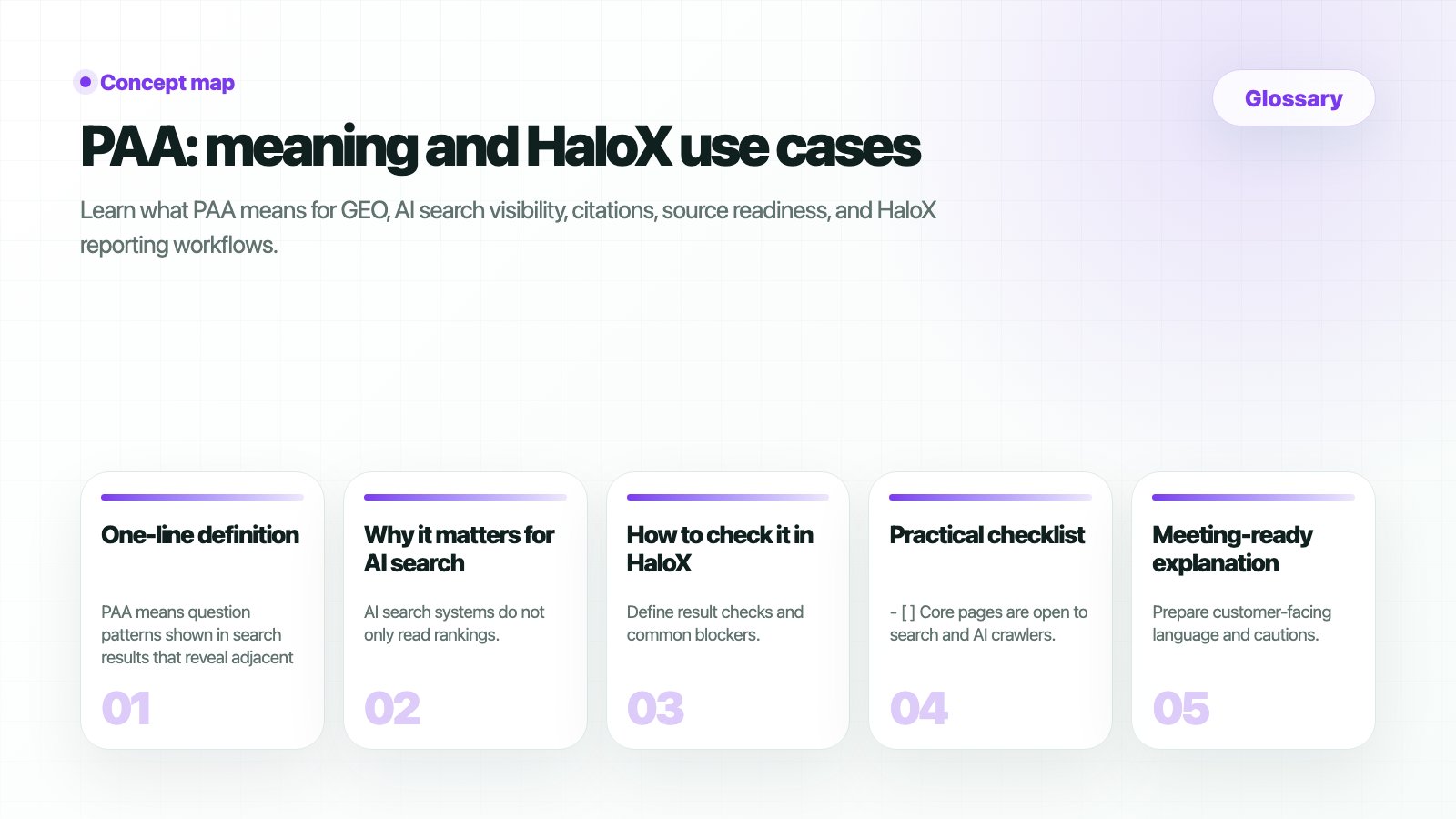
What is PAA?
PAA(People Also Ask) is the “People Also Ask” question block in Google search results. When a user searches a keyword, Google may show related questions that other users ask around the same topic. PAA is not a search-volume number. It shows question demand: what people are asking around the keyword.Where do you see it in HaloX?
HaloX collects PAA questions from a keyword’s SERP snapshot and shows them in the keyword-analysis context. Reading search results, AI Overview, SERP features, and PAA together helps separate ranking problems, question-coverage problems, and AI-citation problems.How is PAA different from search volume?
Search volume answers “how much demand exists.” PAA answers “what people are asking.” You need both to choose the right content priority.
How should you use PAA?
1
1. Read the question as written
Do not flatten it into a keyword immediately. The question wording contains user intent, comparison targets, and buying stage.
2
2. Classify the question type
Group questions as definition, comparison, how-to, pricing/adoption, or problem-solving. Different question types require different content structures.
3
3. Turn it into page structure
Use definition paragraphs for definition questions, comparison tables for comparison questions, step-by-step guides for how-to questions, and FAQs or checklists for problem-solving questions.
Decision examples
Related docs
Keyword Status
Check rank, AI, search volume, trend, and PAA by keyword.
Keyword Analysis
Read search results and PAA questions together.
Content creation
Turn PAA questions into FAQs and content briefs.
Screen metrics glossary
Check the rest of the HaloX screen metric definitions.