
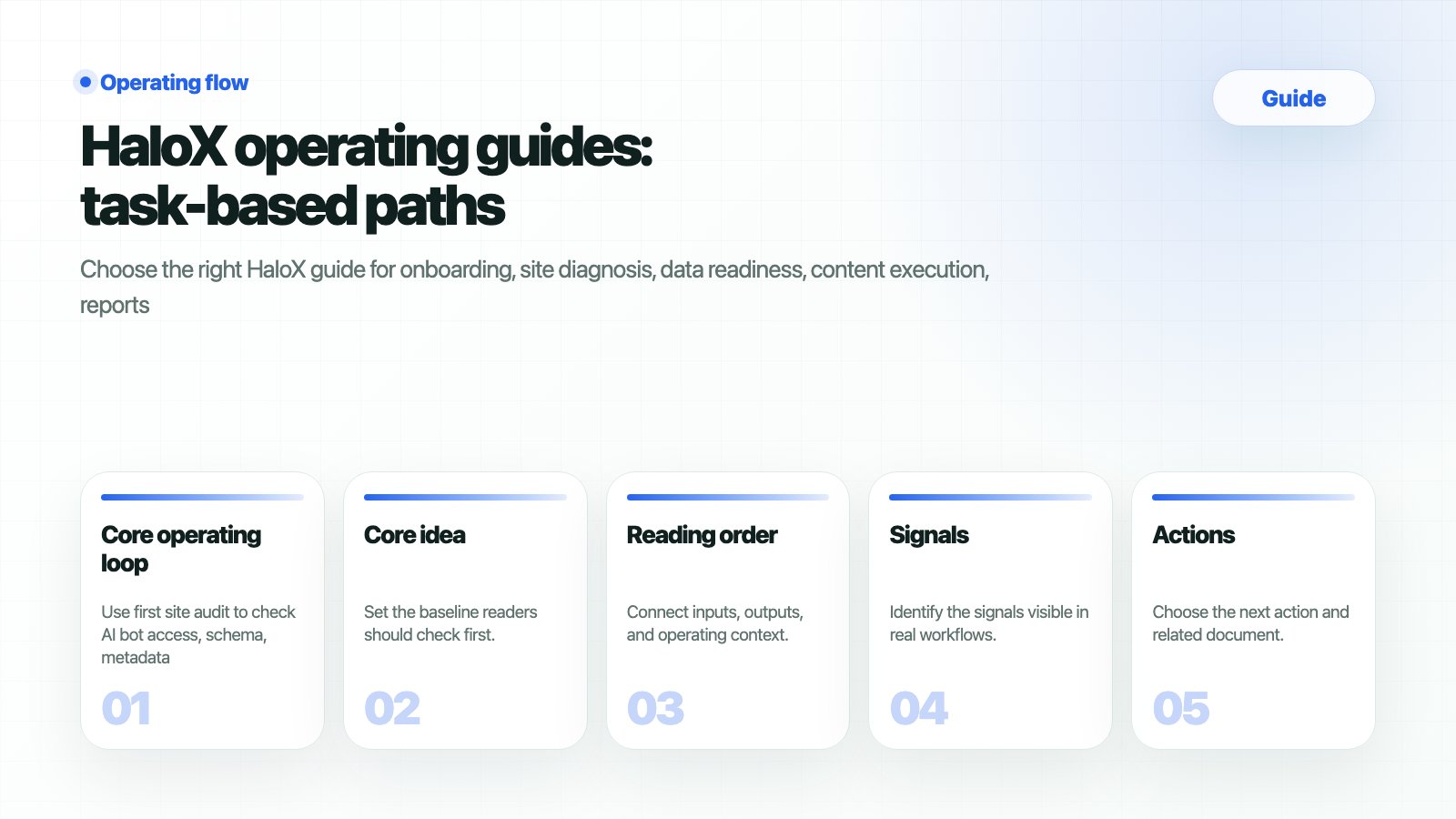
Choose your task first
Core operating loop
1
1. Diagnose whether the site can be read
Use first site audit to check AI bot access, schema, metadata, web health, and important issues.
2
2. Measure AVI and citation rate
Use reading scores to translate AVI, citation rate, source visibility, and web health into meeting language.
3
3. Prepare data and source trust
Use data readiness and source trust checklists to organize access, URLs, question sets, and citation candidates.
4
4. Strengthen content and sources
Use the content brief template and exporting guides to create citation-ready outputs.
5
5. Report next actions
Use the GEO report example to record changes, causes, risks, and owners.
Read by the product loop
Use the guide hub through the HaloX operating loop: diagnose → measure → strategize → execute → report. Each step maps back to an actual app surface in the sidebar.Diagnose
Use Site Audit to inspect AI accessibility, SEO/GEO scores, and URL-level issues.
Measure
Use the GEO dashboard and AVI to read the current visibility baseline.
Strategize
Use Strategy Map to choose clusters, matrix positions, and priority work.
Execute
Use Content Factory and evidence inputs to create citation-ready outputs.
Report
Use Monitoring and Weekly Report to record changes, causes, and next actions.
Execution hubs
Start diagnosis in the app
Enter the primary URL and target prompts to create the AI visibility baseline.
Core operations
Workspace, site setup, and first diagnosis for new teams.
Data and trust
GSC, GA4, question sets, source candidates, and citation trust criteria.
Templates and outputs
Use report, content brief, and proposal templates immediately.
Long-tail search execution
Execute rank tracking, brand mentions, citations, and AI Overview work.
Free diagnosis lead assets
Turn AI visibility diagnosis and ChatGPT brand mention checks into conversion paths.
Feature-to-guide paths
Data and trust guides
Connect GSC and GA4
Read SEO and traffic data together with GEO signals.
Data readiness checklist
Prepare access, sites, questions, competitors, and baseline metrics.
Source trust checklist
Audit official and external sources and citation candidates.
Templates and outputs
Weekly GEO report template
Build client or executive report structure.
Content brief template
Turn strategic questions into citation-ready content structure.
Client proposal template
Package GEO operations as proposals and monthly services.
Long-tail search execution
AI search rank tracking
Track answer candidate sets and competitor mentions.
ChatGPT brand mention check
Check whether the brand appears in recommendation and comparison questions.
Perplexity citation tracking
Track citation URLs and official source share.
AI Overview source selection
Audit source candidate structure for Google AI answers.
GEO report example
Review report sentences and table examples.
AI search optimization checklist
Check all operating actions in one place.
Problem-led AI search fixes
Brand missing from AI search
Diagnose why ChatGPT, Perplexity, and AI Overview omit the brand.
Get mentioned in ChatGPT
Improve brand mentions in recommendation, comparison, and alternative prompts.
Appear as an AI answer source
Prepare official pages for citation and source selection.
Competitor-only AI answers
Break down Share of Voice, competitor sources, and prompt coverage gaps.
Citation-ready content structure
Design definitions, FAQs, comparison tables, evidence, and schema for AI reuse.
Naver AI search optimization
Connect Korean GEO, Naver/Cue, blogs, news, and official sources.
Free AI visibility diagnosis
Turn free-tool keywords into lead assets, sample reports, and demo CTAs.
Related concepts
GEO
Understand the operating system for generative engine optimization.
AVI
Interpret the AI Visibility Index.
Citation rate
Measure whether official sources become citation URLs.
Source visibility
Check whether assets can become evidence candidates.
Question coverage
Find where important question markets are missing.
LLMO
Understand large language model optimization.