
Documentation Index
Fetch the complete documentation index at: https://docs.haloxlabs.ai/llms.txt
Use this file to discover all available pages before exploring further.
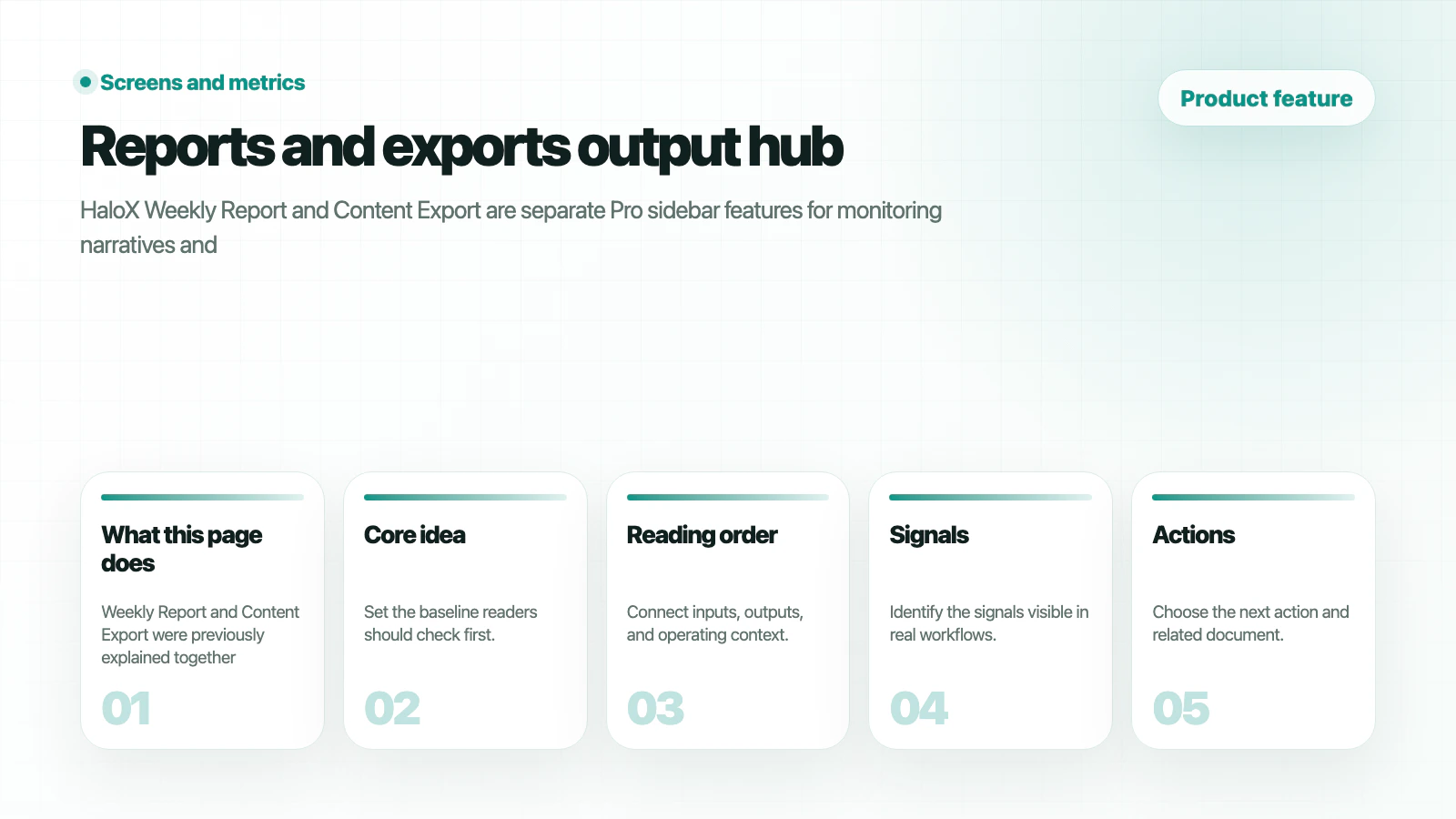
What is this feature?
Weekly reports and exports is a HaloX Pro sidebar feature. It is not only a reporting screen; it is an operating surface for deciding the next action.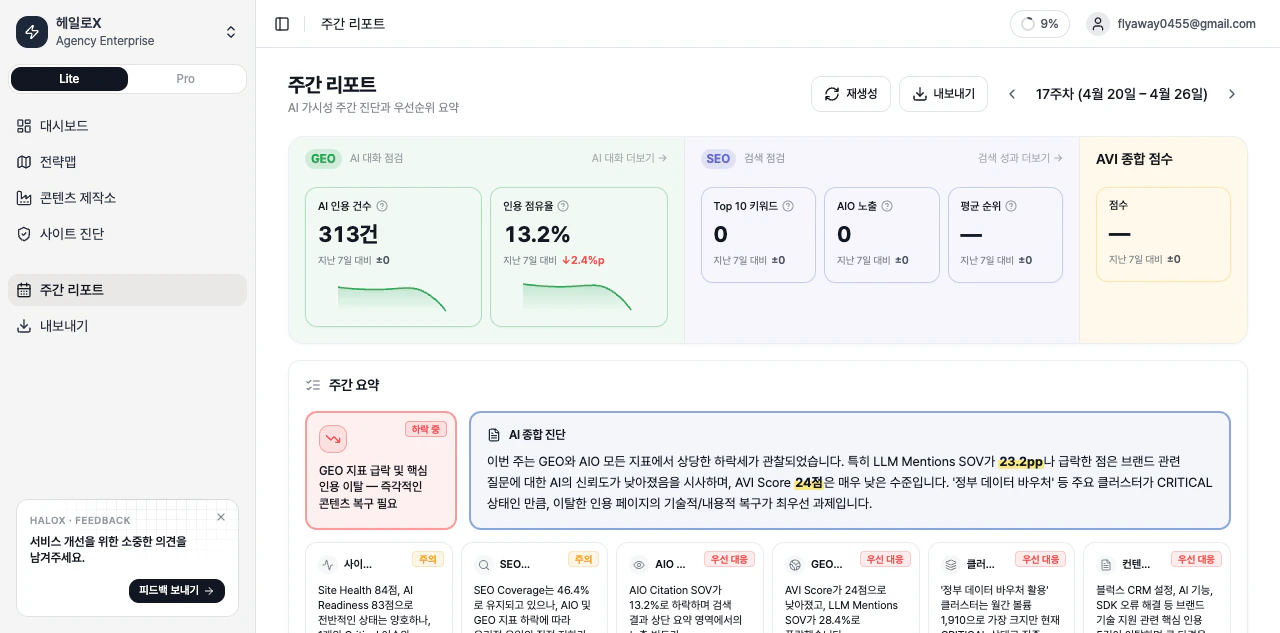
Key tabs and subfeatures
- Weekly Report
- Export
Summarize weekly changes, causes, and next actions.
How to use it
1. Summarize the current state in one sentence
Do not read the score or list mechanically. Explain the cause and the next action.
Related docs
Pro sidebar feature map
See where this feature sits in Pro mode.
Lite and Pro modes
Understand the workspace depth model.
Reading scores
Turn metrics into meeting language.
GEO report example
Package results into a report output.