
What should you prepare
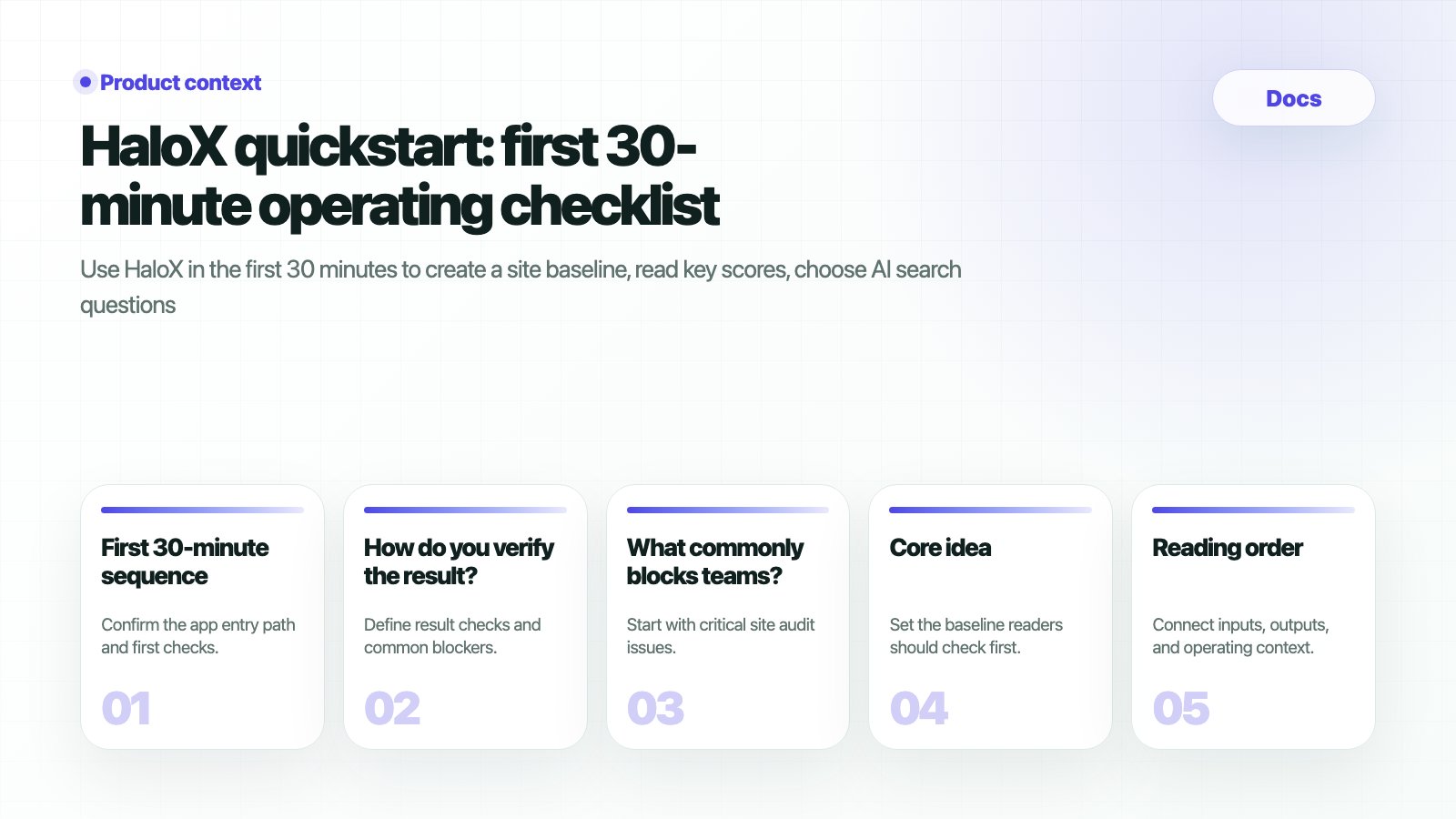
First 30-minute sequence
1
0-5 minutes: confirm workspace and site
The app entry is
https://haloxlabs.ai/app. Confirm the site URL, brand name, and first diagnosis target.2
5-12 minutes: read the dashboard baseline
Check AVI, SEO, web health, citation rate, and source visibility. Focus on the reasons behind the signals alongside the number.
3
12-20 minutes: find important site issues
Check AI bot access, metadata, headings, schema, performance, and error pages. Separate technical blockers from content gaps.
4
20-26 minutes: choose strategic questions
Separate brand, non-brand, comparison, and buying questions. Good questions make AVI and citation rate meaningful.
5
26-30 minutes: write the first report sentence
Summarize where the brand appears, where it is missing, and which sources or pages need to be strengthened next.
How do you verify the result?
If the problem is already clear, move directly to the problem-led guides after this result check. Use Brand missing from AI search for absent brands, Competitor-only AI answers when competitors dominate, and How to appear as a source in AI answers when citation readiness is weak.
What commonly blocks teams?
The score is low. What should we fix first?
The score is low. What should we fix first?
Start with important site audit issues. If AI bot access, schema, metadata, or headings are blocked, fix the foundation before increasing content volume.
How should we choose questions?
How should we choose questions?
Start with real customer questions. Prioritize recommendation, comparison, pricing, alternative, and local decision questions.
Can we start without GSC or GA4?
Can we start without GSC or GA4?
Yes. Start with site diagnosis and question sets, then prepare access with the data readiness checklist.
Next steps
Start in the HaloX app
Enter the primary URL and target prompts to create the first baseline.
Adoption planning
Choose a starting plan by team type.
Connect GSC and GA4
Connect existing search and traffic data.
GEO report example
Review the first reporting language.
Brand absence diagnosis
Separate why the brand is missing from AI search answers.
Free diagnosis lead asset
Design ChatGPT brand mention checks and AI visibility diagnosis as conversion paths.