
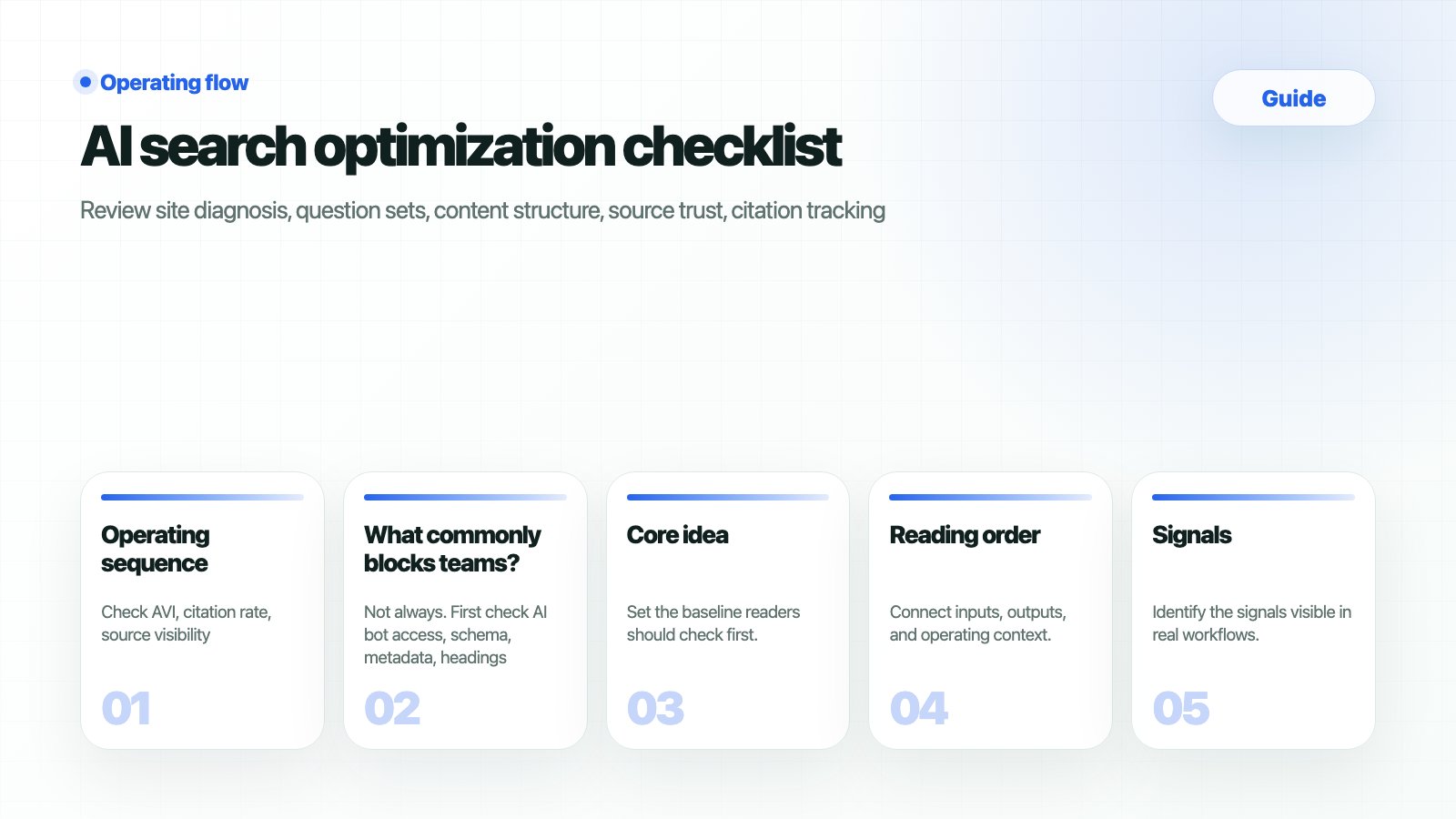
What should you prepare
When should you use this guide?
Workflow
1
1. Diagnose technical foundations in Site Audit
Check AI bot access, schema, titles, meta, and page status first.
2
2. Fix question baselines in Prompt Status
Group questions by intent so AVI movement has an explainable cause.
3
3. Review answers and citations
Record brand mention, competitors, and citation URLs together.
4
4. Set priorities in Strategy Map
Choose whether each gap becomes content, PR, technical work, or comparison content.
5
5. Close the loop with Content Production and Weekly Reports
Move execution into briefs and package results for meetings.
How do you verify the result?
Operating checklist
What commonly blocks teams
Is it a bug if GSC/GA4 numbers and HaloX scores do not match exactly?
Is it a bug if GSC/GA4 numbers and HaloX scores do not match exactly?
No. GSC and GA4 describe search traffic and user behavior, while HaloX AVI, citation rate, and source visibility describe how the brand and sources appear in AI answers. They support the same operating decision but use different measurement units.
Should the same question set be reused forever?
Should the same question set be reused forever?
Keep baseline questions, but add separate sets when products, competitors, or buyer questions change. Do not overwrite the baseline; split the comparison axis so weekly reports can explain the cause of movement.
Where should the guide output be recorded?
Where should the guide output be recorded?
Move evidence into Weekly Report and Exports, and convert actions into Content Production briefs or Site Audit issues. In meetings, report the question group, source gap, and next action together, with the score.
Related docs
AI Visibility Index
Read the core AI visibility score.
Prompt Analysis
Inspect answers and citations by question.
Content Production
Turn findings into briefs.
Weekly Reports
Package changes for meetings.