
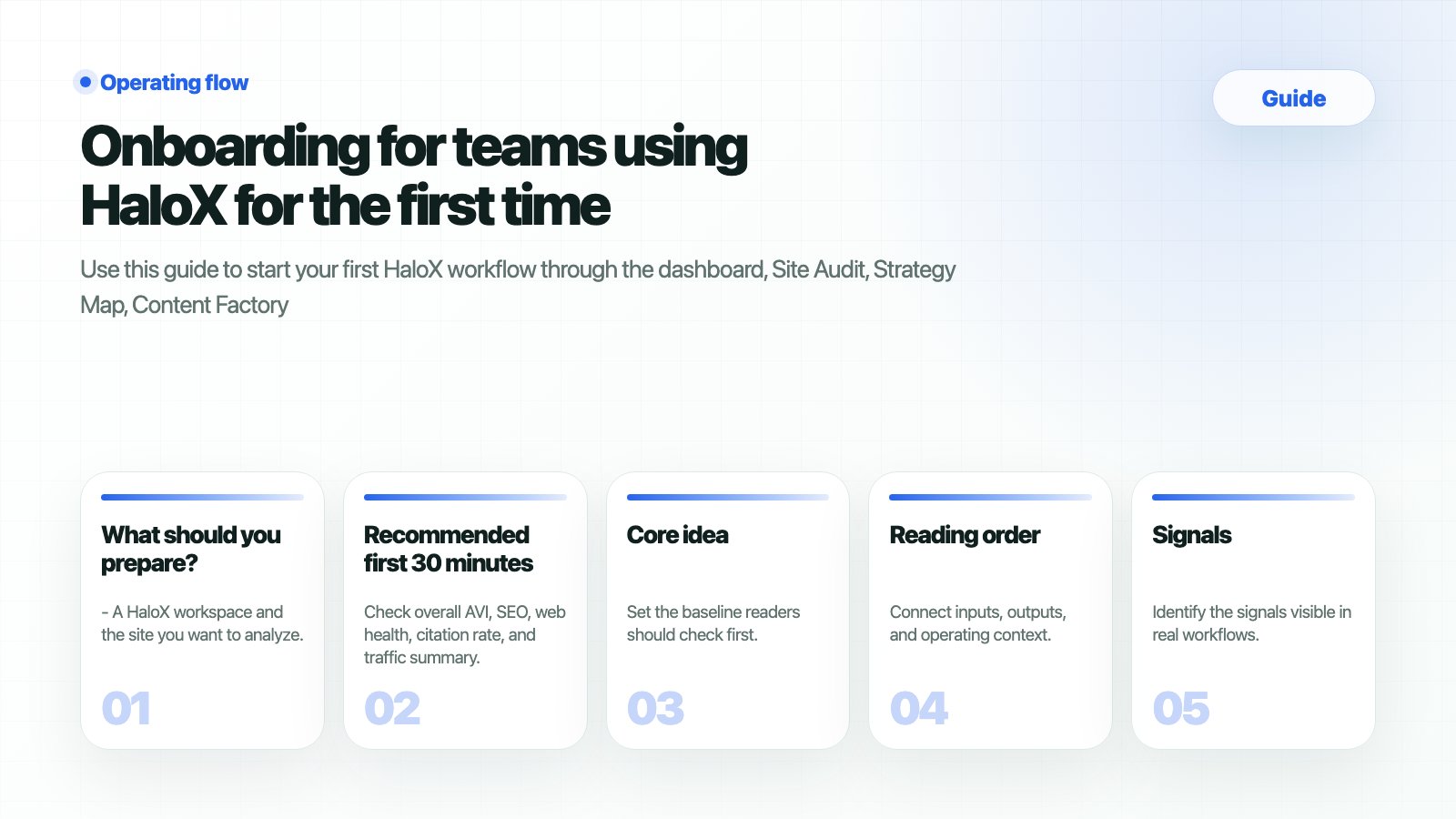
What should you prepare?
- A HaloX workspace and the site you want to analyze.
- Google Search Console, GA4, prior SEO reports, or meeting notes if available.
- 5–10 core questions your team or customer needs to answer.
- A place to record findings for internal or customer-facing follow-up.
How do you verify the result?
What commonly blocks teams?
Recommended first 30 minutes
1
1. Review the dashboard
Check
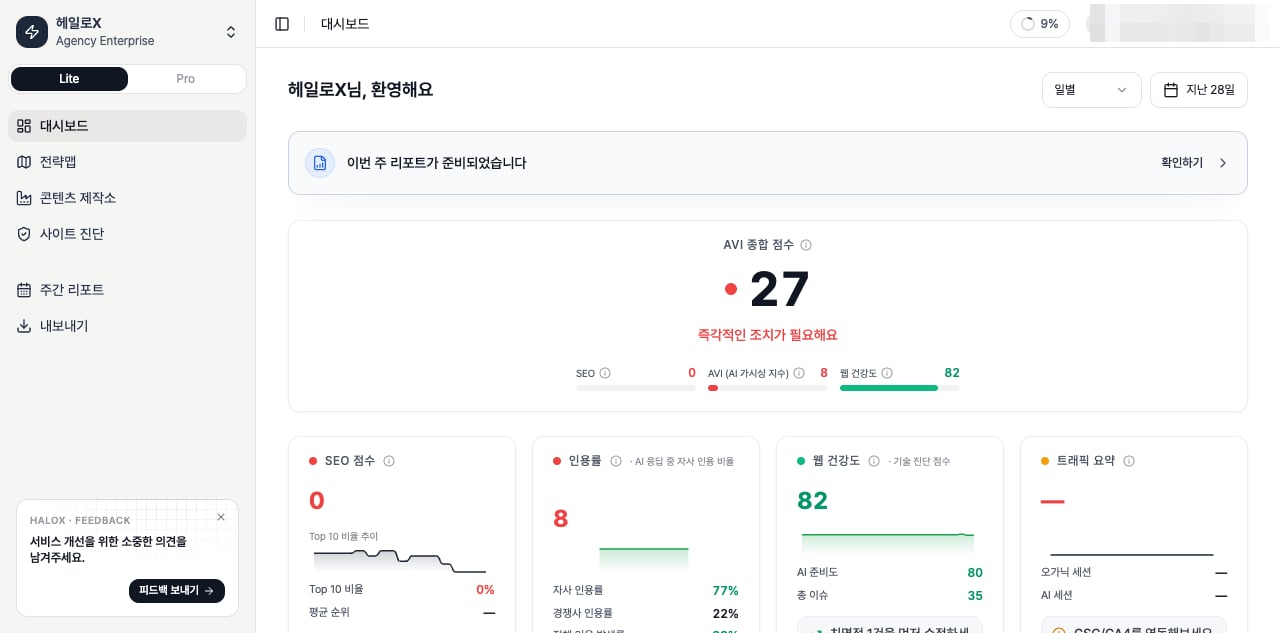
overall AVI, SEO, web health, citation rate, and traffic summary. Focus on which area is weak, with the score.2
2. Find causes in Site Audit
Review SEO, GEO, performance, schema, and crawlability issues. Separate developer work from content work.
3
3. Pick priorities in Strategy Map
Choose only 1–3 clusters for the week based on urgency, GEO opportunity, and gap type.
4
4. Create deliverables in Content Factory
Turn selected clusters into question-led content with definitions, comparisons, FAQ, and sources.
5
5. Record the week in Reports
Leave a short summary of findings, actions, and next steps. GEO works through repeated operations.
Terms first-time users confuse
First explanation by audience
Next docs
- Start technical work with Run your first Site Audit.
- Interpret metrics with Reading HaloX scores.
- Execute content with Create AI-citable content.
- Prepare reporting with Weekly Reports.