
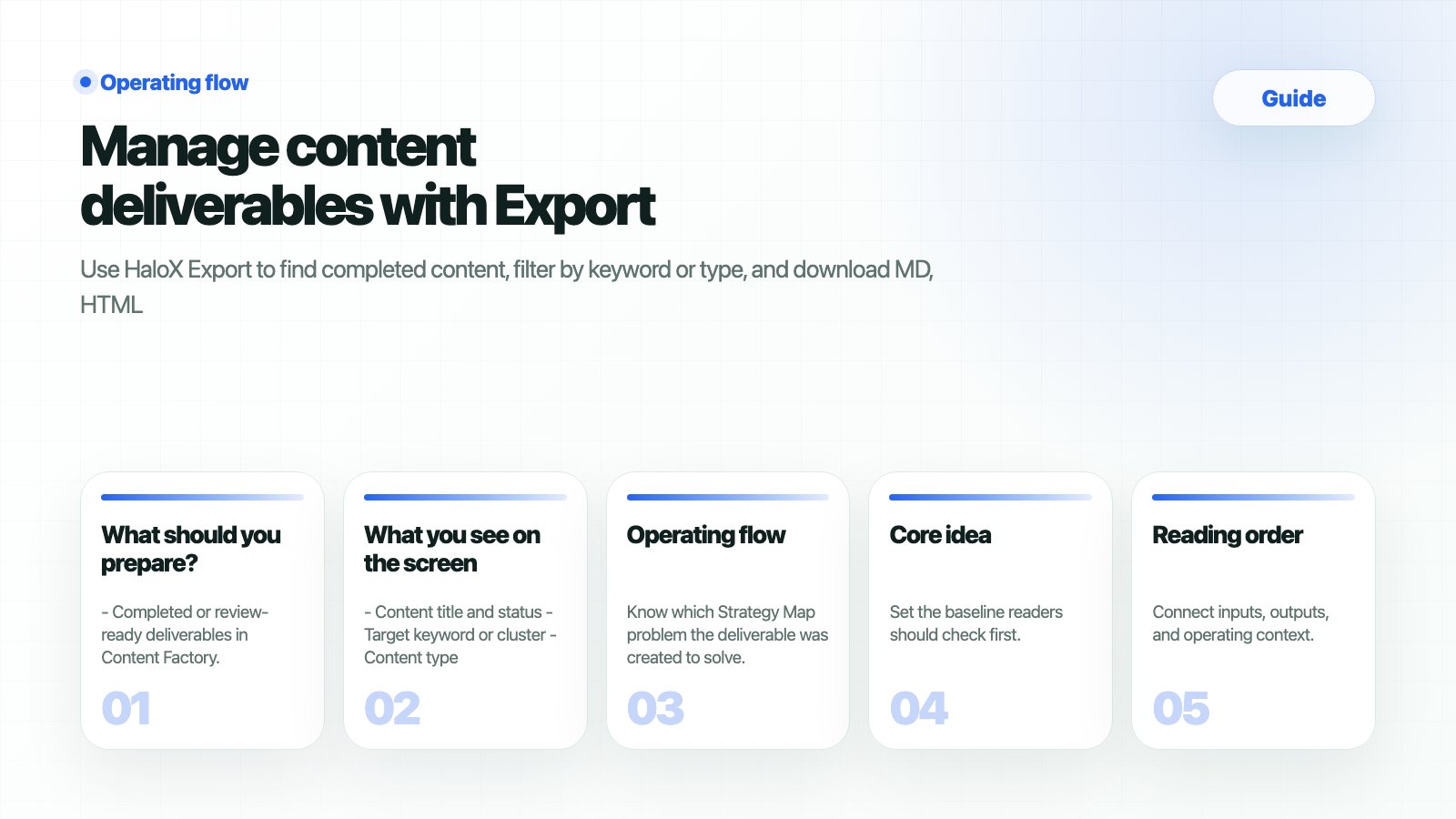
Export turns completed Content Factory work into files that can move through customer review, internal approval, publishing, and reporting. In GEO operations, delivery and traceability matter as much as content creation.
What should you prepare?
- Completed or review-ready deliverables in Content Factory.
- A clear audience: customer, internal marketing team, developer, PR team, or agency partner.
- A destination CMS or shared document location.
- A privacy check for internal notes, unapproved numbers, and sensitive meeting language.
How do you verify the result?
What commonly blocks teams?
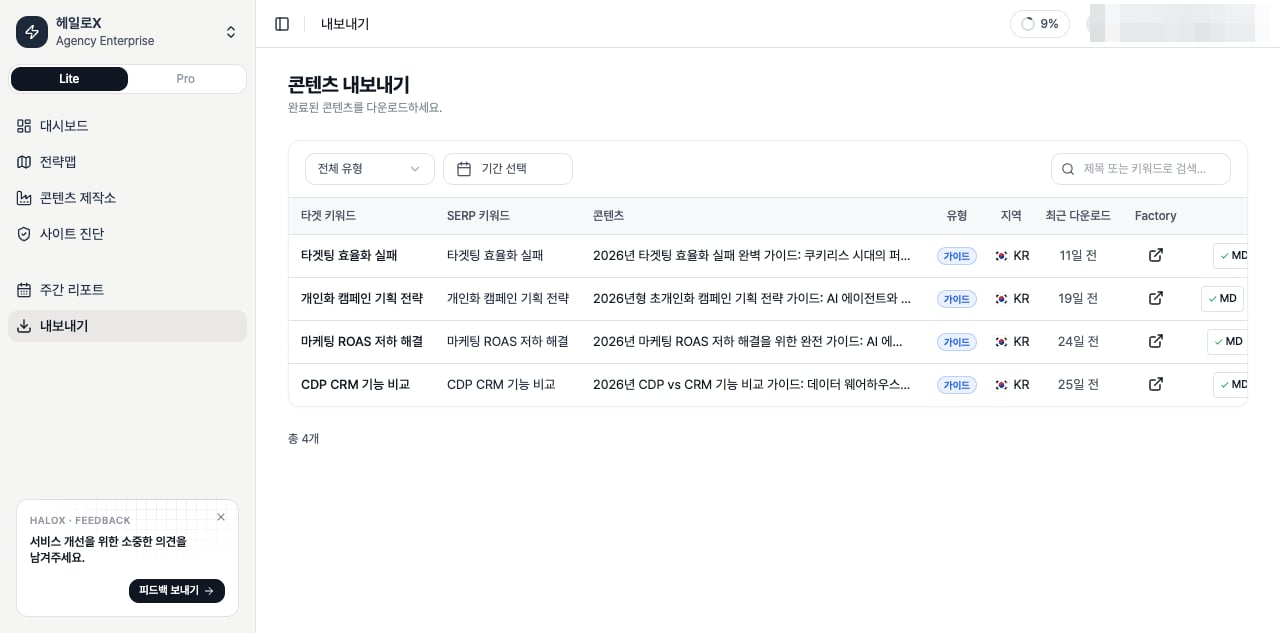
What you see on the screen
- Content title and status
- Target keyword or cluster
- Content type and location
- Recent download state
- Export formats
- Metadata needed for customer or internal approval
Operating flow
1
1. Confirm the source cluster
Know which Strategy Map problem the deliverable was created to solve.
2
2. Choose the sharing purpose
Customer review, CMS publishing, developer handoff, PR review, and proposal attachment require different formats.
3
3. Check public-safe language
Remove customer names, internal numbers, private meeting language, or unapproved claims.
4
4. Export in the right format
Use MD for CMS/development, HTML for web review, and DOCX for customer or internal approval.
5
5. Record the action in Weekly Reports
Report it as an execution status tied to a cluster, not as a disconnected file download.
Meeting-based examples
Next docs
- Source content comes from Content Factory.
- Priorities come from Strategy Map.
- Post-publication reporting happens in Weekly Reports.