
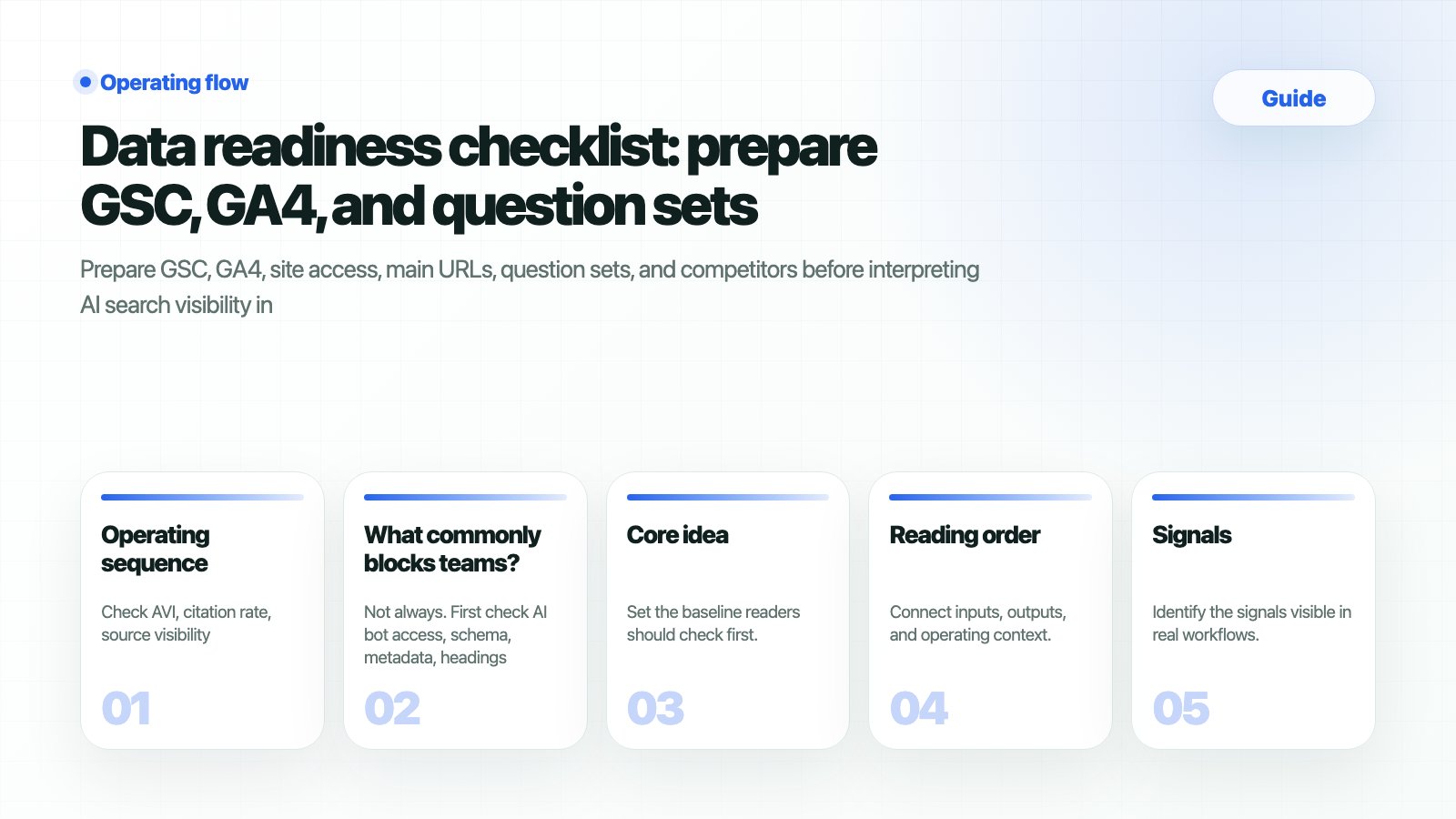
What should you prepare
When should you use this guide?
Workflow
1
1. Read the current state in Lite first
In Lite mode the sidebar shows Dashboard, Strategy Map, Content Production, and Site Audit. Use it to read AVI, citation rate, web health, and report readiness quickly.
2
2. Click Pro and open analysis menus
Click the Pro button in the sidebar and confirm Keyword Status, Keyword Analysis, Prompt Status, and Prompt Analysis are visible. Prepare question sets from this Pro surface.
3
3. Confirm GSC/GA4 in Monitoring Dashboard
Open /app/monitoring and check properties, recent periods, query signals, and page signals. If data is empty, fix connection and permissions before reporting.
4
4. Split question sets in Prompt Status
Separate brand, comparison, buying, and problem-led questions. Record each set name and purpose so teams do not measure different things.
5
5. Fix the baseline for Weekly Reports
Record baseline questions, URLs, competitors, and source candidates in Weekly Report. Future movement should be explained against that baseline.
How do you verify the result?
Copyable readiness table
What commonly blocks teams
Is it a bug if GSC/GA4 numbers and HaloX scores do not match exactly?
Is it a bug if GSC/GA4 numbers and HaloX scores do not match exactly?
No. GSC and GA4 describe search traffic and user behavior, while HaloX AVI, citation rate, and source visibility describe how the brand and sources appear in AI answers. They support the same operating decision but use different measurement units.
Should the same question set be reused forever?
Should the same question set be reused forever?
Keep baseline questions, but add separate sets when products, competitors, or buyer questions change. Do not overwrite the baseline; split the comparison axis so weekly reports can explain the cause of movement.
Where should the guide output be recorded?
Where should the guide output be recorded?
Move evidence into Weekly Report and Exports, and convert actions into Content Production briefs or Site Audit issues. In meetings, report the question group, source gap, and next action together, with the score.
Related docs
Connect GSC/GA4
Align data connections first.
Prompt Status
Review question sets and run status.
Monitoring Dashboard
Read query and page signals.
GEO report template
Move the baseline into a report.